
SMP-2200 Compact 4K UHD Digital Signage Player
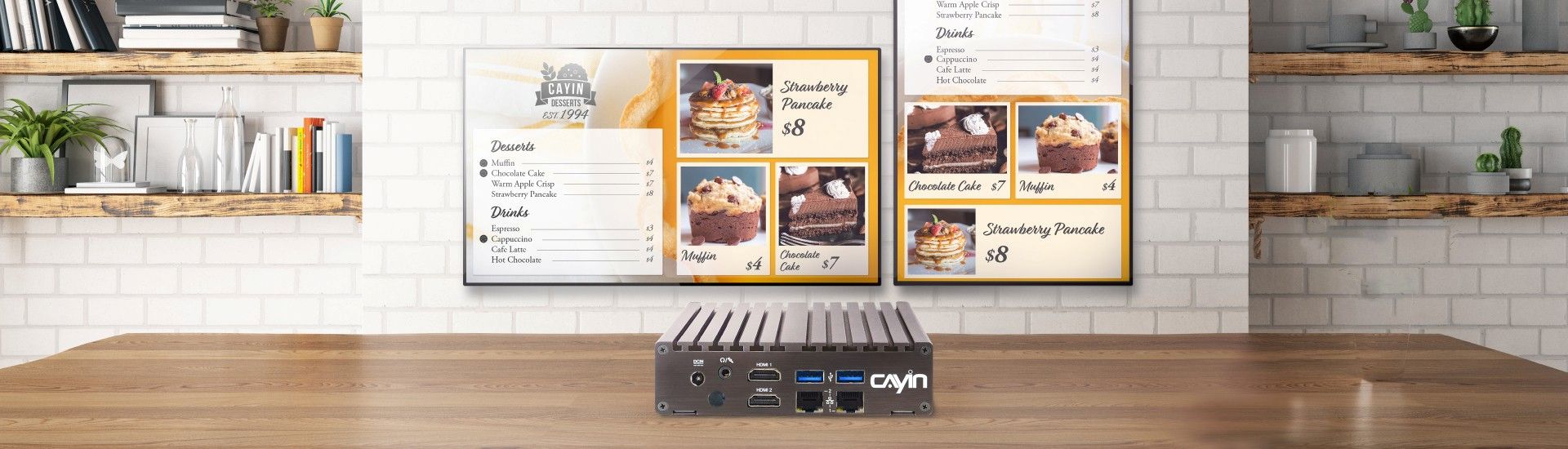
Robustie Solution
Digital Signage Made for Professionals
The Robustie Solution brilliantly equips industrial-grade hardware and professional software
to provide a professional and robust solution to users with diverse project needs.
CAYIN
SMP players, the core member of the Robustie solution, are designed to work standalone to
play programmed content on displays while fulfilling the requirements of smaller-scale
digital signage applications.
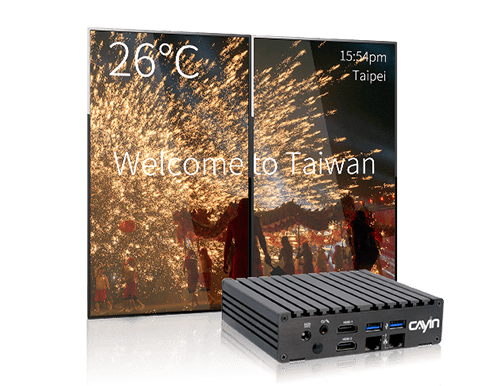
Product Highlights
- Equipped with 2 HDMI & 1 VGA outputs for 2 displays
- 3 playback modes, zone-type, individual programs, or playlists
- Support 4K HDMI video, YouTube Video, PDF, HTML5, CSS3, weather, social media, etc.
- Unlimited Video zones, Image zones, and Ticker zones*
- Support 4 signal output modes, single, clone, extended, and separate modes
- Offer flexible task scheduling based on once, daily, weekly, monthly, or yearly timescales
- Allow self-designed template creation either directly on SMP player or on your PC
- Built-in AI AudienceSense facial recognition for targeted content delivery, with support for up to 4 cameras with QNAP QVR Face Tiger / QVR Face Insight
- AI Translation (CAYIN AI Server), translate and localize content in seconds
- Convert Videos Directly in the Interface
- Automatic large image optimization preserves original files and prioritizes converted files for playback
- Supports secure HTTPS connections with default or custom certificates
- Download file backups for device relocation and record keeping
- Screen ON/OFF schedules, including prioritized holiday schedules
- Rich Library and cloud resources
- Support 2 LAN ports for advanced management and network security
- *Depending on your video resolution, codec, bitrates and hardware spec.
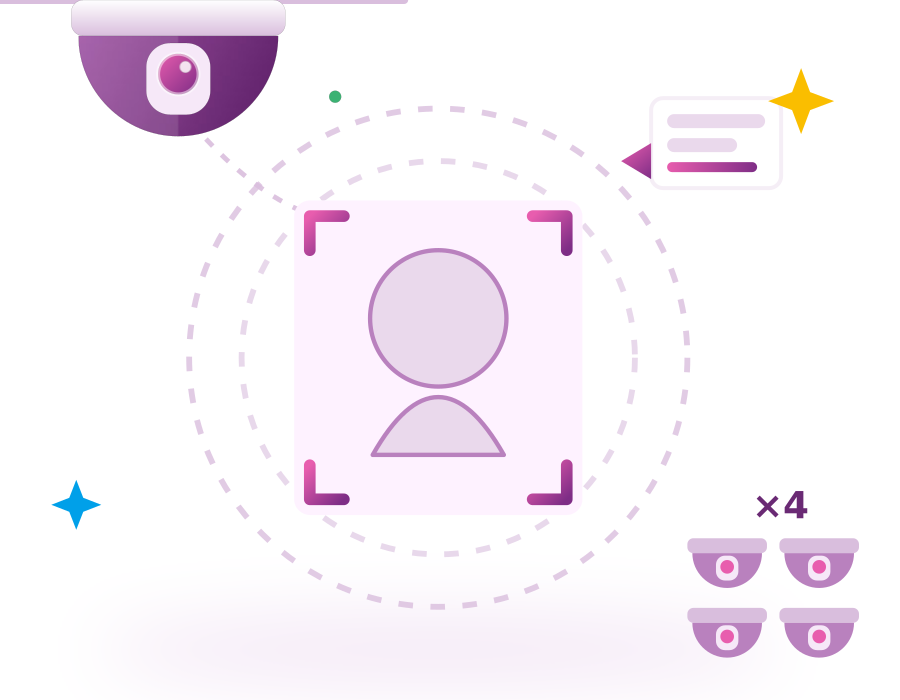
AI AudienceSense Facial Recognition Precise Targeting
SMP-2200 comes with built-in AI AudienceSense facial recognition, allowing
real-time delivery of pre-configured content based on detected audience attributes and
creating a more targeted communication experience.
The player works with one built-in camera by default. If wider coverage or multiple
locations are needed, up to 4 cameras can be integrated (compatible with QNAP QVR Face Tiger / QVR Face Insight),
making it suitable for diverse applications in retail, food & beverage, healthcare, and
finance.
Learn more
>
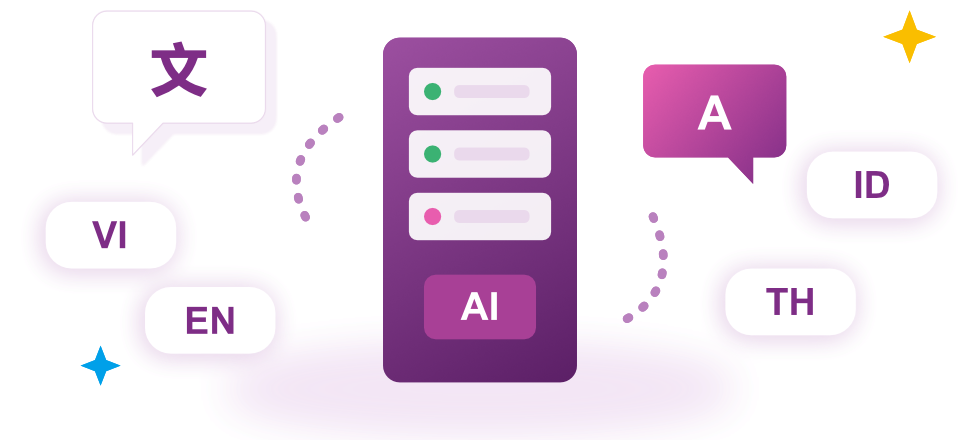
CAYIN AI Server Free Multi-language Localization
With the CAYIN AI Server, you can translate and localize content into multiple languages within seconds. This is especially useful for environments such as factories with multi-national staff, ensuring that announcements, training, and safety information reach everyone instantly. Enjoy high-quality localization with no extra fees.
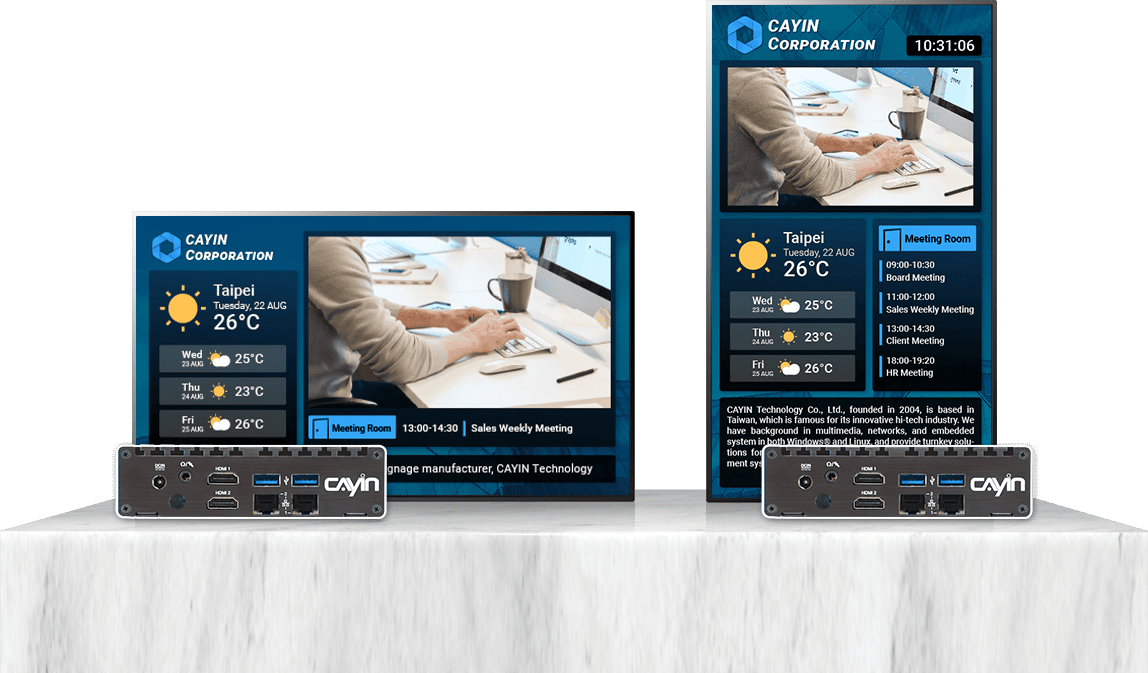
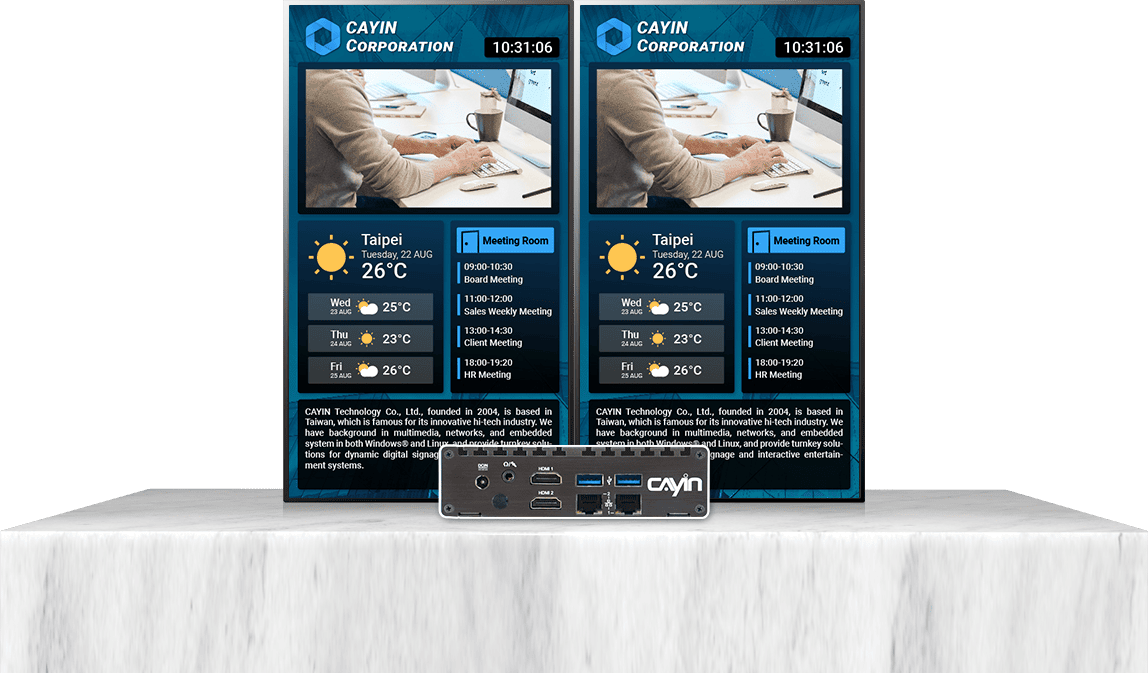
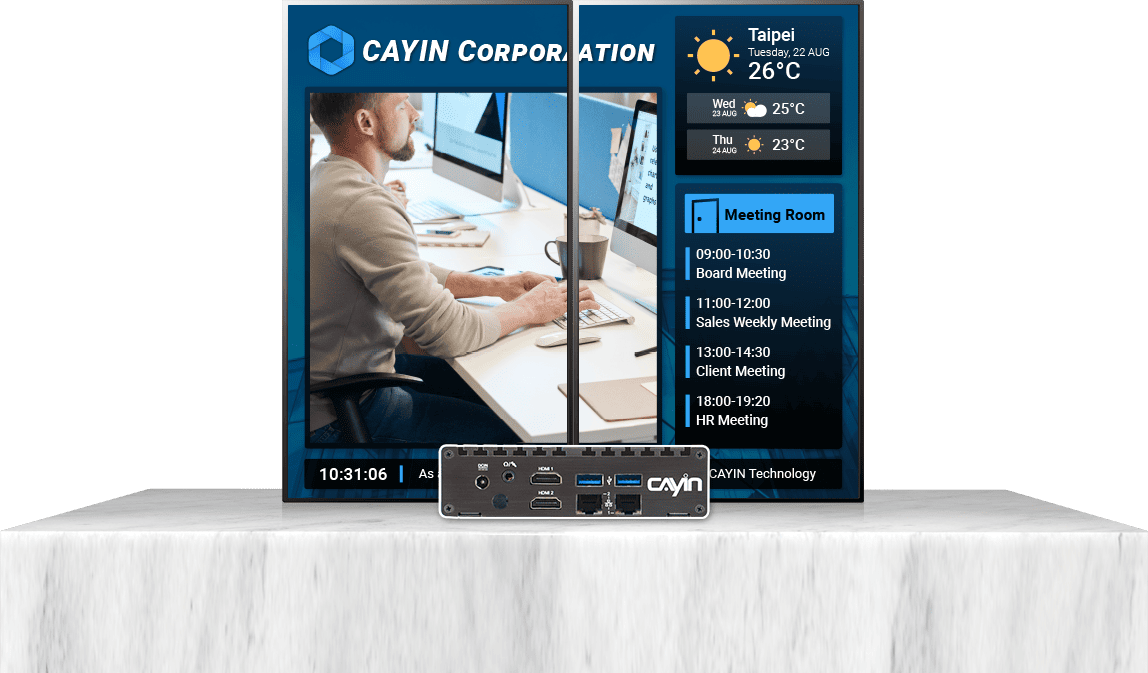
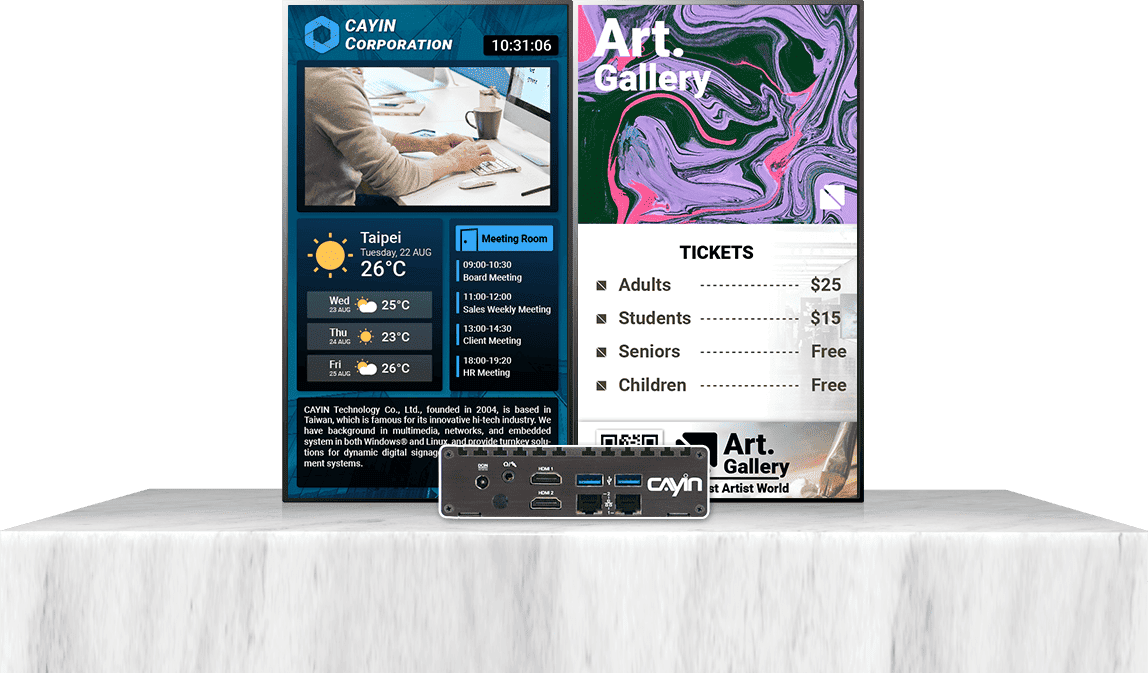
HDMI Video Outputs Widely Broadening Applications
Digital signage player can control 2 screens in both portrait and landscape
orientation
for most popular or even user-defined resolutions.
Four signal output modes broaden application options.
Built to Convey Instant and
Media-rich Messages
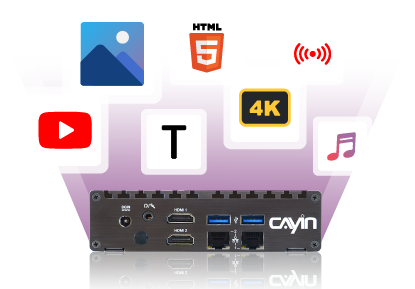
SMP-2200 digital signage player supports various mainstream multimedia formats and can play
4K UHD videos, YouTube videos, PDF files, HTML5 web pages, images, music, and text tickers.
By utilizing an external HD HDMI video capture card (sold separately), the player can
connect directly to audio-visual equipment for real-time audio-visual streaming.
In addition to rich audio-visual promotional functions, it also supports various real-time
content such as news, weather, social media, video streaming, or specific information on web
pages, which are all excellent choices for enriching digital signage content.
Convert Videos Directly in the Interface
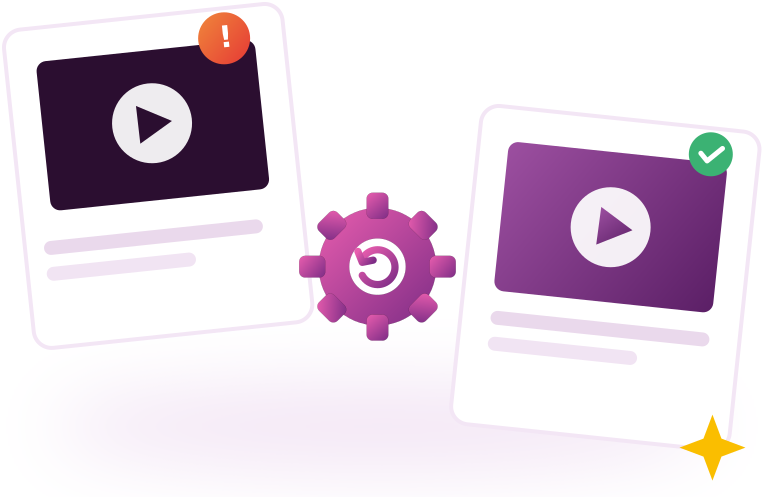
When a video file cannot play normally because it is 30.3 FPS (PowerPoint-exported video), you can convert it manually directly on the SMP management interface, eliminating the need to re-convert through additional software on the computer, ensuring faster troubleshooting and minimizing the risk of interruption during playback.
Large Image Optimization
Automatic Conversion for Stable Playback
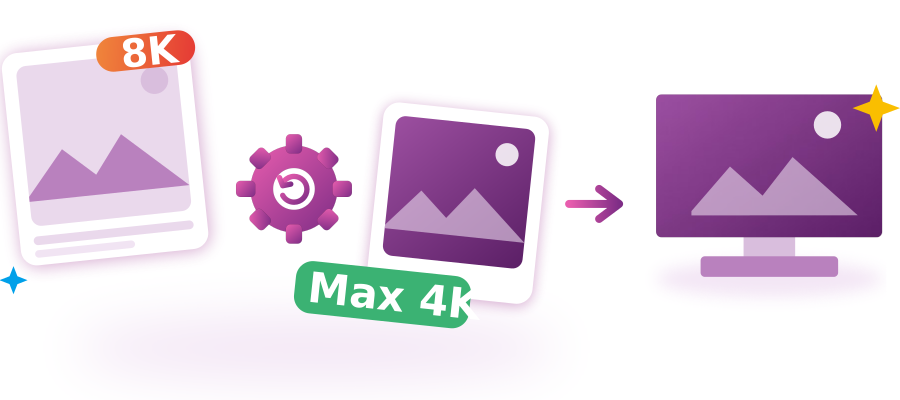
Images are automatically converted in the background and scaled proportionally. The original file is never overwritten. During playback, the player prioritizes the converted file, keeping layouts and scheduled playback smooth and reliable.
Built in Taiwan, Engineered to Last
Every SMP-2200 unit is manufactured in Taiwan under CAYIN's strict quality control standards. From component sourcing to final assembly, each stage is inspected to guarantee consistent performance in demanding, always-on environments. When you choose SMP-2200, you're choosing a player built to run reliably for years, not just months.
Easy-to-Use Template Creation in Two Ways
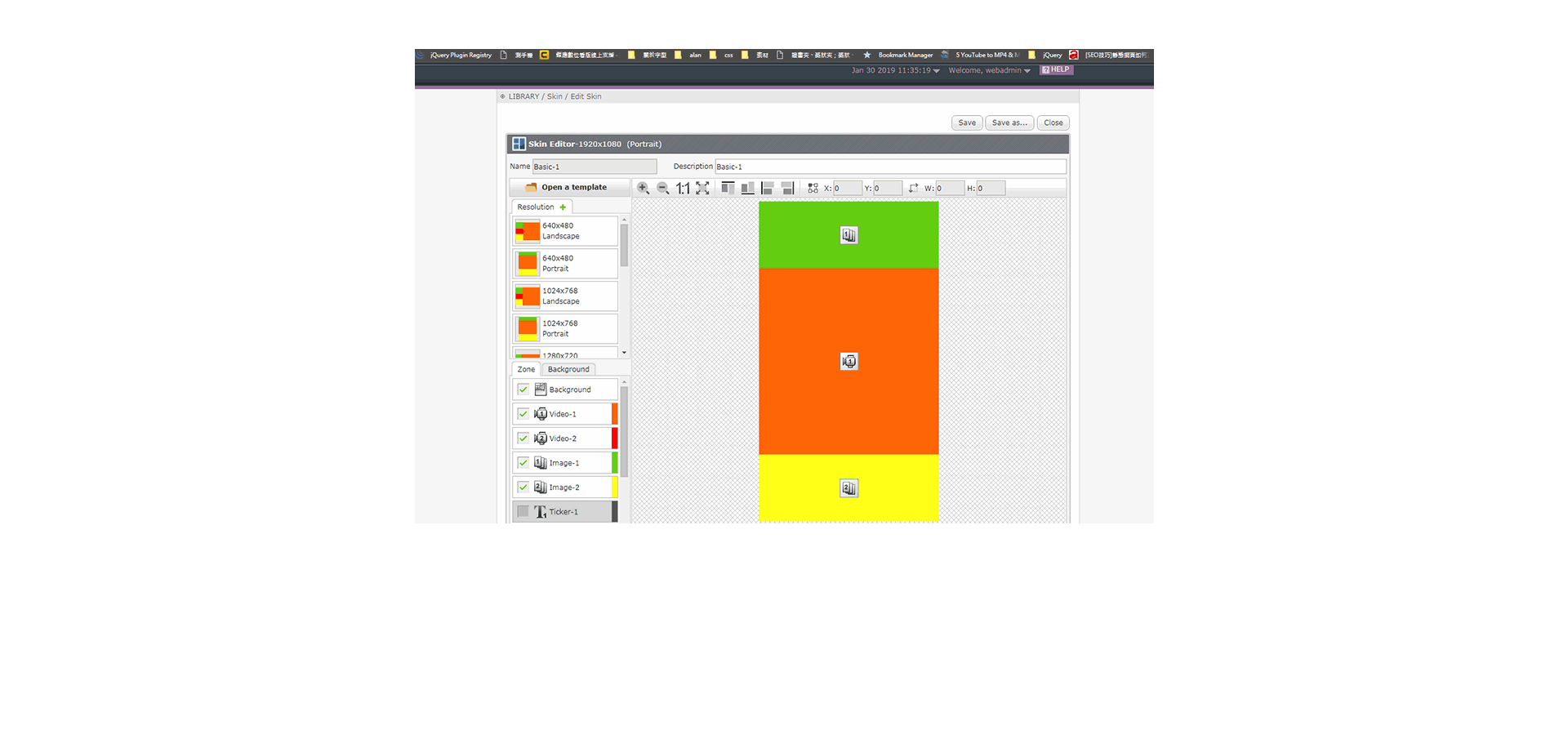
With SMP software, SMP-2200 provides a web-based Skin Editor so that users can
perform a drag-and-drop operation to define the size and the location of each zone directly
on SMP players.
Through skin editor, you can customize the screen resolution to meet
your needs, including screen orientation and multi-display setup. In addition, experienced
web designers can also utilize any web-editing tool to create HTML pages for the greatest
flexibility.
Perform a drag-and-drop operation to define the size
and the
location
of each zone directly on SMP players
Skin Editor

Any Web-editing Tool
Supports


Skin Editor
Perform a drag-and-drop operation to define the size and the location of each zone directly on SMP players
Supports
Any Web-editing Tool
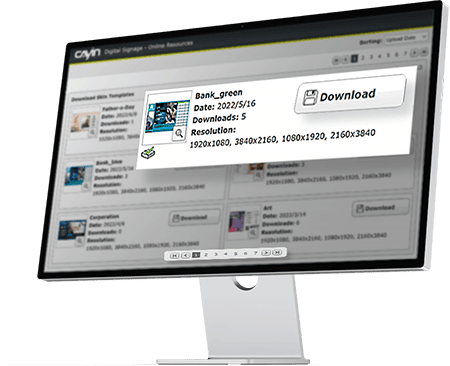
Rich Library and Cloud Resources
All necessary raw materials, including multimedia files, fonts, clocks, skins,
programs, and playlists, can be accessed easily in the Library to assist you in organizing
resources.
The system allows you to upload your desired fonts and even download the
latest
templates from CAYIN’s Cloud service for free to greatly enrich your content.
Power Your SMP with AI
Maximize your signage impact.SMP players integrate AI tools to automate content creation and keep your displays consistently fresh.
- Smart Tools for Modern Marketing
- Text-to-Image, create high-quality visuals instantly
- Image-to-Image, adapt styles while preserving consistency
Are you interested in SMP-2200?
Contact UsReady-to-use Digital Signage Player
SMP-2200, the industrial-grade hardware, is bundled with dedicated digital signage software, SMP software, as a complete media player for digital sign applications. SMP-2200 and SMP software are optimized to work well together. Not only will you enjoy a seamless user experience, but you can also manage the device remotely from your web browser without installing any additional software.

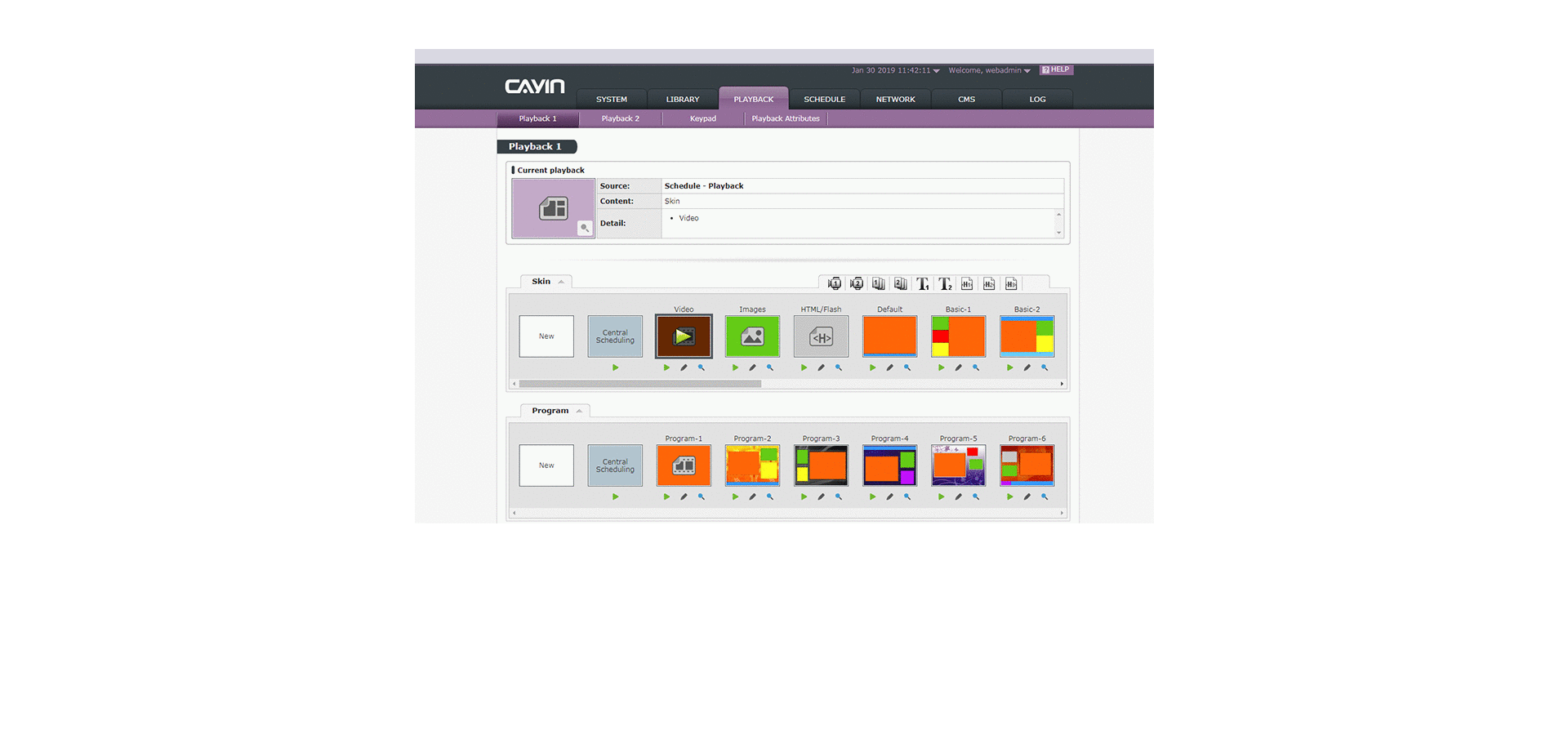
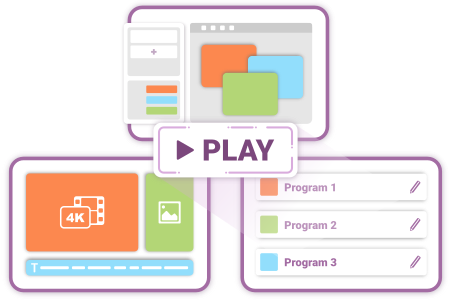
3 Playback Modes
for All Occasions and Applications
You can divide the screen into several zones, each media assigned with
independent
schedules and settings.
If you simply want to deliver a full-screen presentation as a
digital
poster, you can create playlists to display different multimedia contents in order.
2 Viewing Modes for
Playback Scheduling,
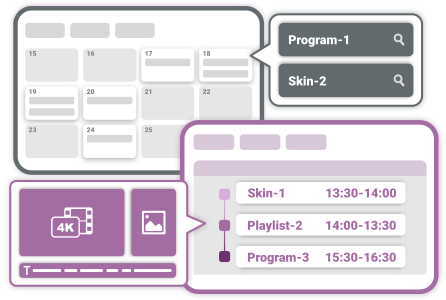
Calendar and Timetable
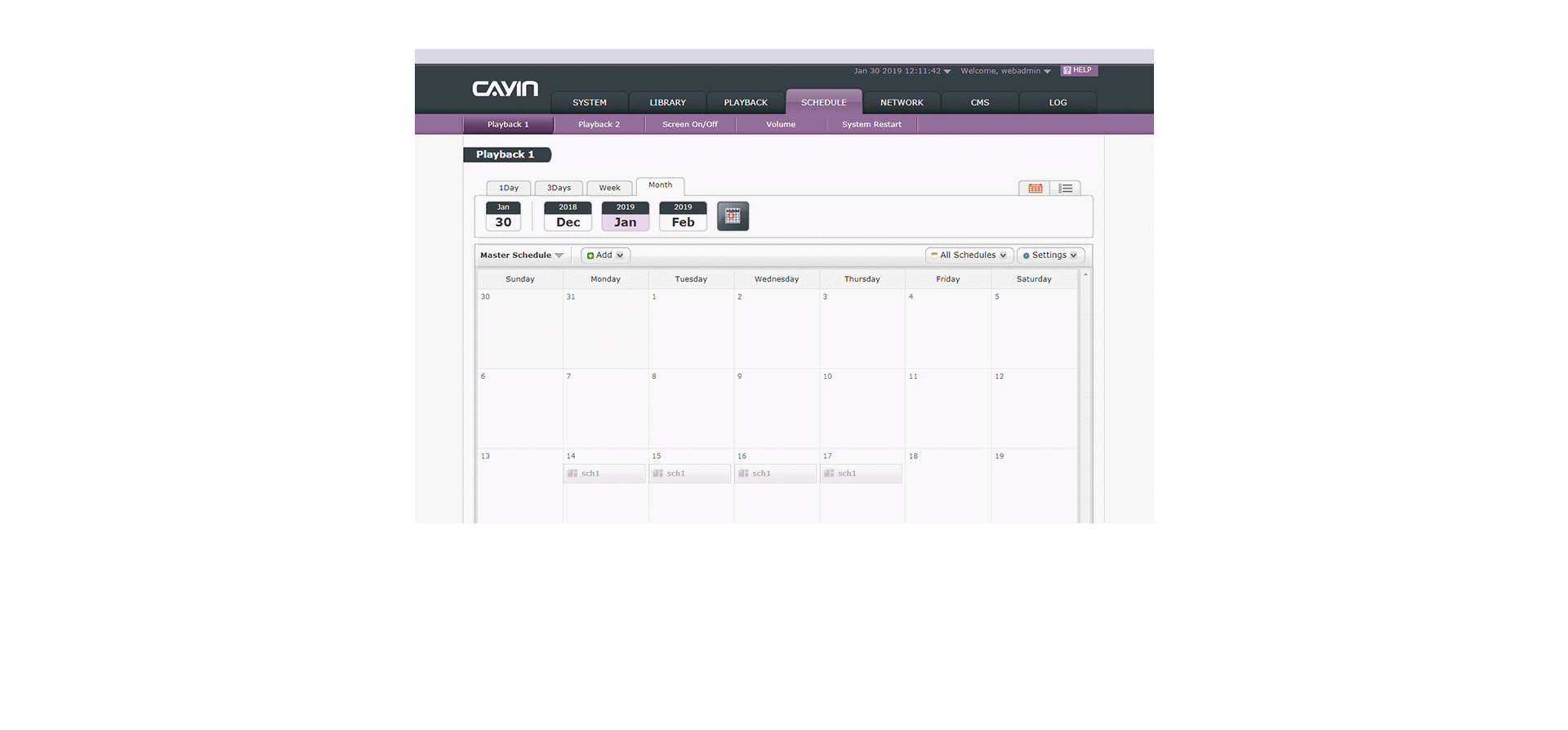
You can insert a one-time event or arrange periodic tasks based on daily, weekly,
monthly or yearly timescales. You can assign a date, a time period, or even a day in a
specific
week of a month (e.g. 2nd Sunday in May).
Location-based scheduling or central
scheduling
through a CMS server is also available to increase the flexibility.
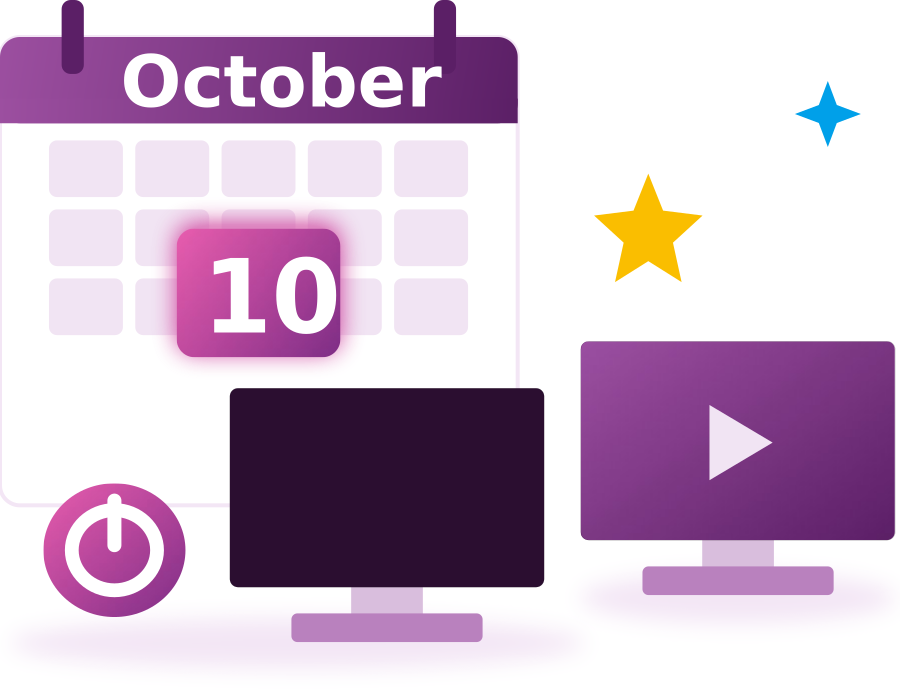
Screen On/Off Scheduling with Priority Holiday Schedules
Set schedules to power your screens on or off as needed for energy saving and to
extend panel life.
In addition to standard recurring schedules, a dedicated "Holiday Schedule" feature lets you
designate special dates (like October 10 each year) when different rules should apply.
Holiday schedules always take priority over weekly routines, so your displays automatically
follow your custom holiday settings with no manual intervention required.
Mobile and Place-Based Digital Signage
SMP-2200 can integrate with 4G/3G and GPS technology to provide mobile and
place-based solutions. Players installed in moving vehicles can playback contents based on
both time and location.
Administrators can locate each player on Google Maps and have an
idea of the overall connection status of all media players.
Learn
More
>
Dual LAN Ports Collaborate with
Firewall Strengthen Security
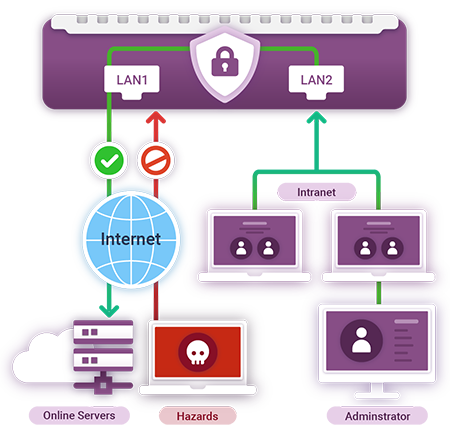
SMP-2200 digital signage player is equipped with two LAN ports. One port can be used to access the Internet with inbuilt firewall, while the other port can be used to log into SMP’s web-based management interface through a local area network. Administrators can not only avoid the hazards from the internet, but also manage SMP players within a secure LAN. This leading design offers a safer and more flexible network planning for large-scale digital signage projects.
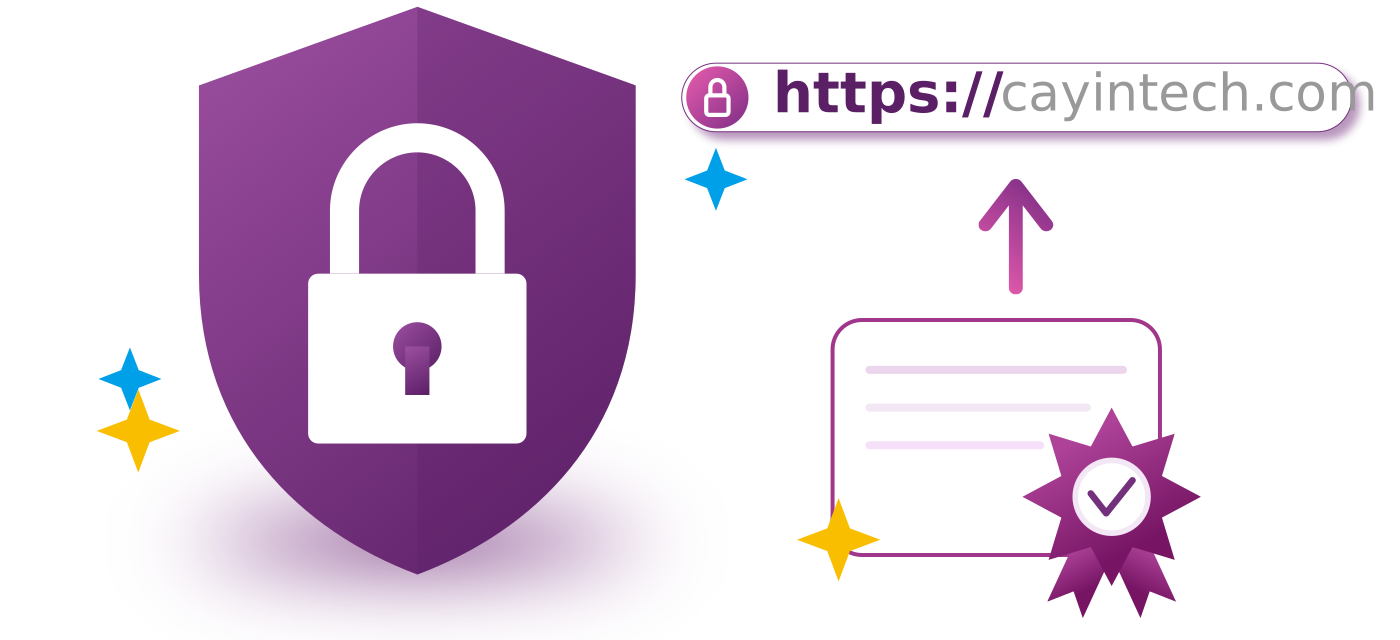
Supports HTTPS Encryption for Enhanced Security
To strengthen management interface transmission security, SMP-2200 supports HTTPS
encrypted connections.
After enabling this feature, you can quickly activate encryption using the system's
built-in default self-signed certificate.
Enterprises with their own certificates can also upload a custom self-signed certificate
for even stricter management connection security.
Support Intuitive Multi-Touch Gestures
SMP Digital Signage Player support integration with HID compliant touch panels
and multi-touch gestures.
Users can tap, swipe, pinch or spread one or two fingers to
click,
change, zoom in or out web pages. Thus, digital signage can interact with customers in a
more
intuitive way. You may also create your own custom gestures to suit your specific needs and
drive customer engagement.
Scroll
Select items
zoom in or out
Switch between contents
Instant Remote Diagnostics and
Preliminary Maintenance
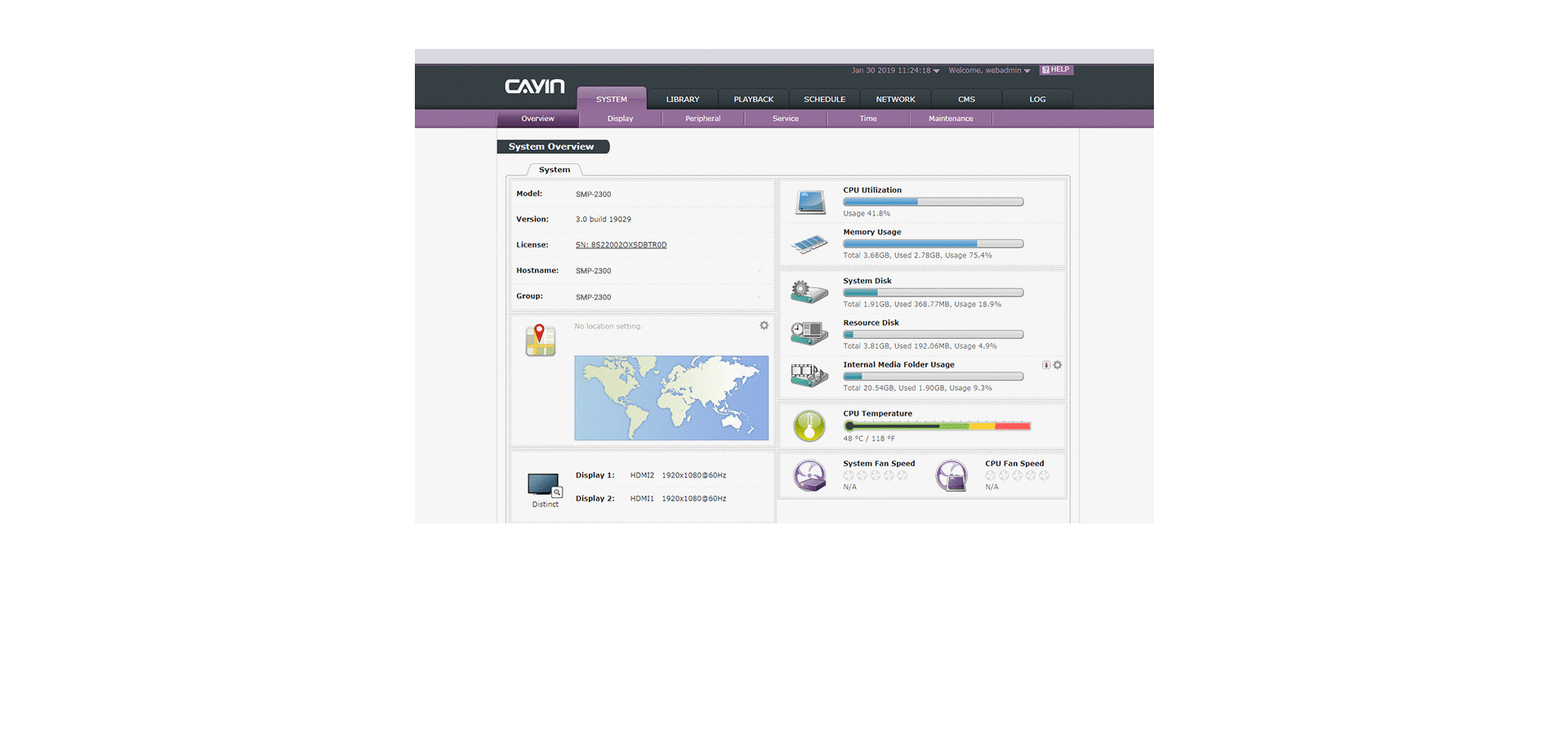
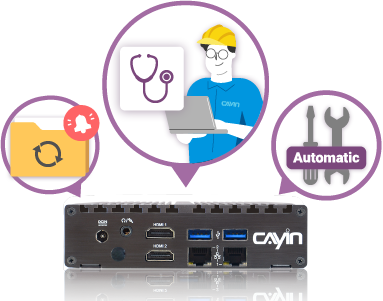
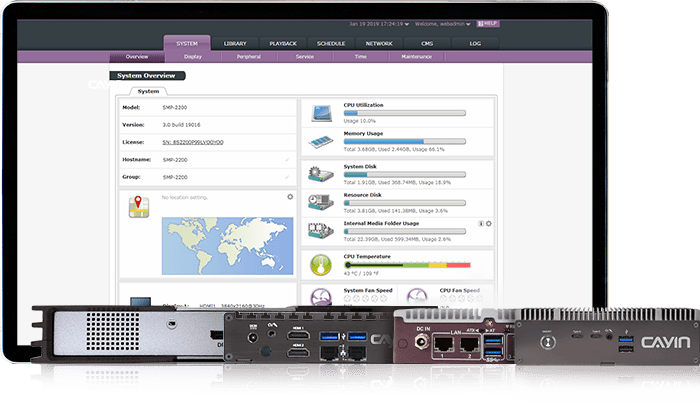
Administrators can perform troubleshooting remotely by retrieving log records and monitoring key operational activities, such as system resource usage, CPU temperature, fan speed, and network topology. To obtain the optimal performance and functionality, users will be prompted to install patches whenever new software updates are available. If an abnormal situation occurs, SMP-2200 is equipped with a self-repair mechanism to restart the system automatically. Administrators can also restore configurations or recover a system immediately when necessary.
File Download for Reliable Data Backup
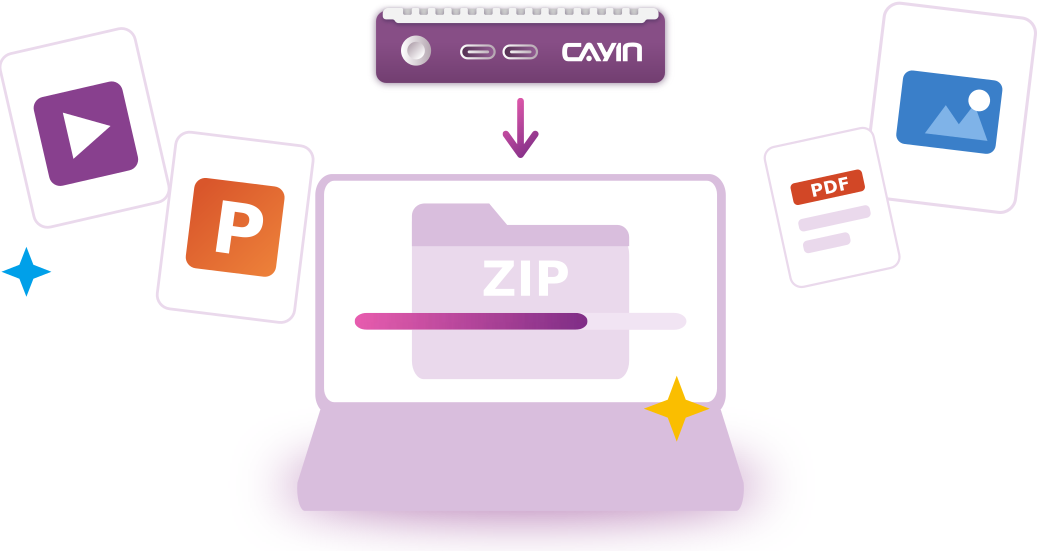
When relocating devices, replacing equipment, or retaining playback logs, users
can download and back up all file contents from the device to their local computer.
For best results and to ensure smooth operation, we recommend performing downloads when no
content is playing. This helps avoid playback interruptions and makes data backup and
device maintenance safer and more efficient.
For more details?
Contact UsFlexible Platform for Extended Integration
SMP-2200 can be integrated with other external devices to meet requirements
from diversified vertical markets.
For instance








CMS-SE Server
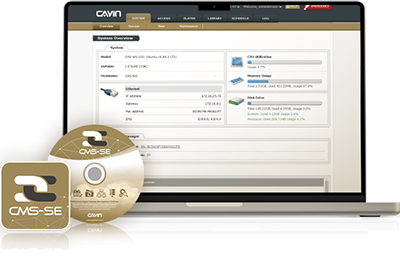
With CMS-SE, administrators can manage players in groups, and perform live video streaming, central scheduling, emergency mode, access right management, and content updates of multiple players simultaneously.
Learn MoreGo Further with SMP-2200
Manage Every Screen Centrally
Schedule content and monitor players from one place.
 CMS-SEServer software for 10 to 4,000 playersLearn More >
 CMS-WSSubscription server for SMP players, Smart TVs and PCsLearn More >
SMP-2200 at Work
Stations, clinics and malls that run on this player.
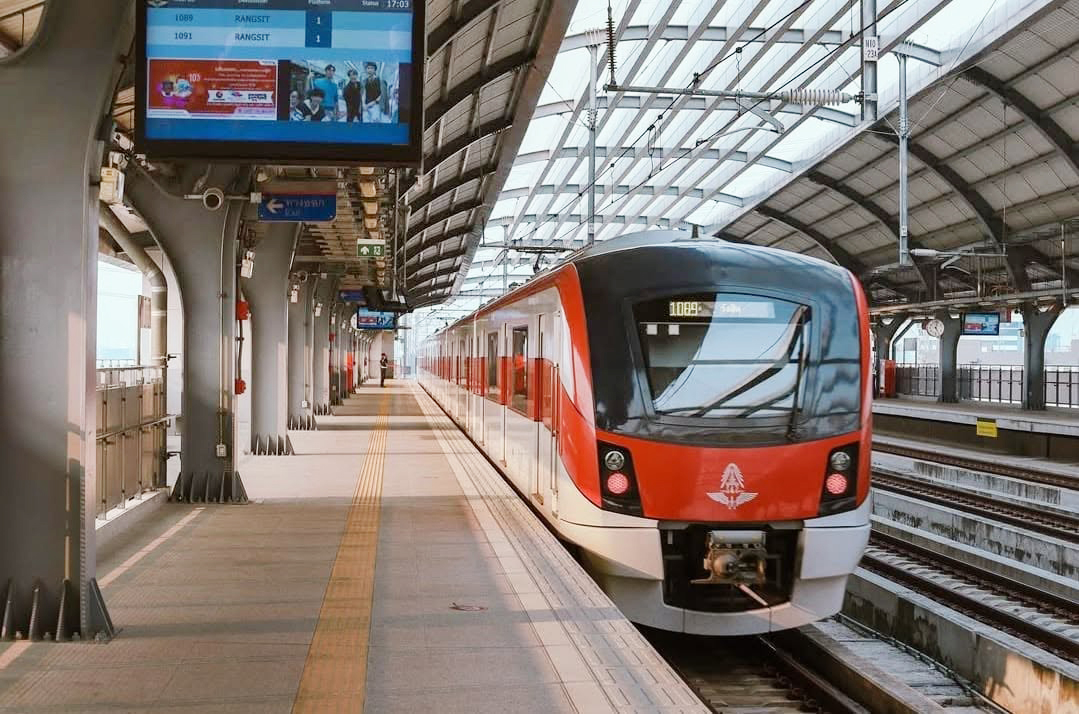
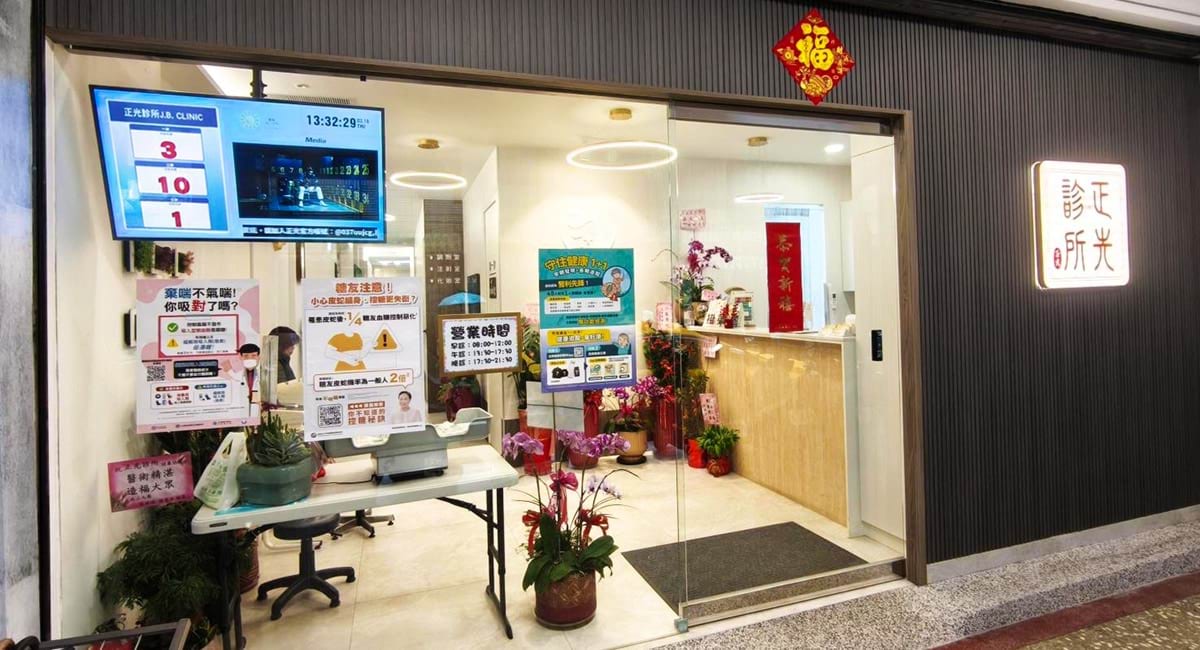
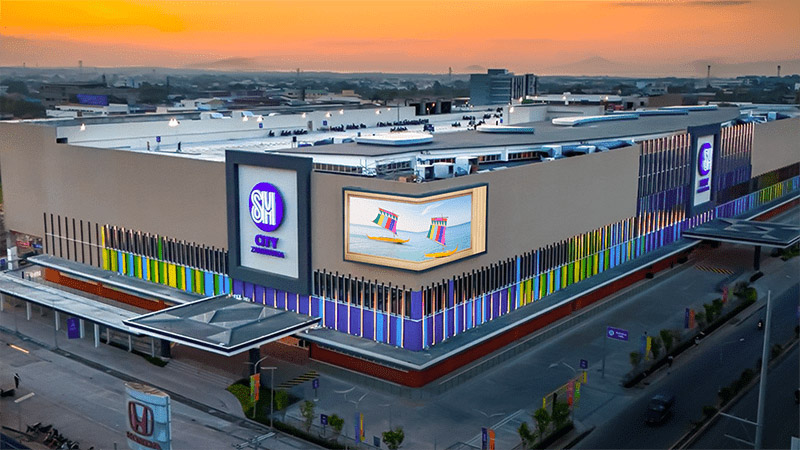
Add What Your Project Needs
Integrations that build on the same player.


Premium Software
Add these apps to your Robustie network for meeting rooms, DOOH content and reporting.
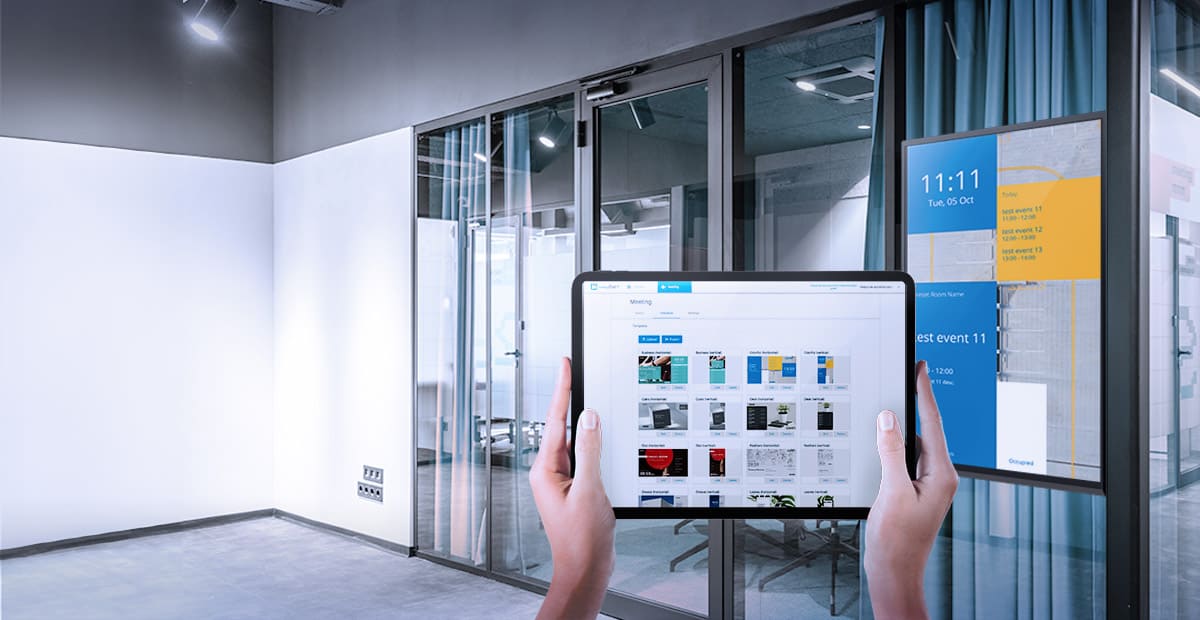
Meeting room signs that update themselves
meetingPost+ keeps meeting room signs up to date and connects with popular calendars for scheduling. It works with CAYIN players and other devices with a web browser.

Rich DOOH content built in your browser
xPost runs in your web browser and gives you the tools to build rich content for DOOH media in vertical markets such as hotels, schools and transport hubs.


Playback reports for every network
SuperReporter is reporting software for CAYIN digital signage. It works with CAYIN SMP players to generate instant playback and system status reports for multiple networks.