Retail Digital Signage Scan a barcode and the screen answers back

Scan a barcode and the screen answers back
A shelf screen that plays the same loop all day tells shoppers nothing about the product in their hand. Connect a standard USB barcode scanner to a CAYIN SMP player and the screen becomes a service point, one that answers the exact question a shopper is asking by scanning.
- Scan a product and the screen shows its price, details and a row of recommended items, no custom app required.
- Scan a member card and the screen switches to a promotion built for that shopper.
- No scan for a set period and the SMP player resumes the main promotion loop on its own.
- Add a CAYIN CMS server to push new prices and campaigns to every store from one place.
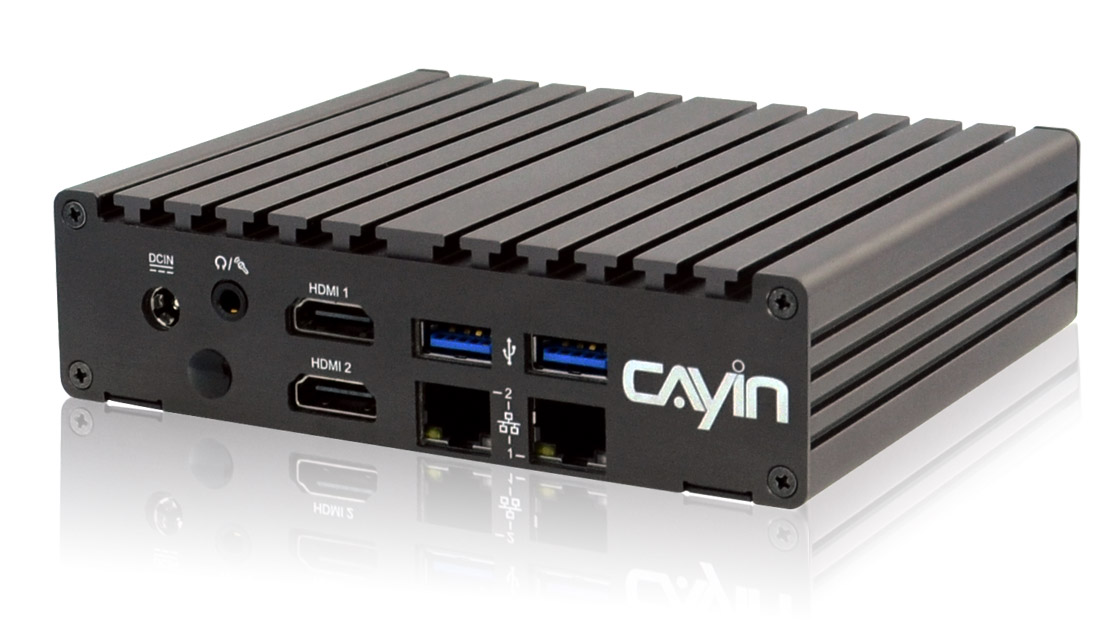
How retail digital signage works
Data flow. A CAYIN SMP player connects to a USB barcode scanner. When a shopper scans a product, the player looks it up and shows the price, details and a row of recommended items on screen. When a shopper scans a member card, the player shows a promotion built for that shopper. When the scanner sees no activity for a set period, the player resumes its main promotion loop automatically. A CAYIN CMS server manages every player's prices and promotions centrally.
See it in action
What a barcode scan can put on the screen
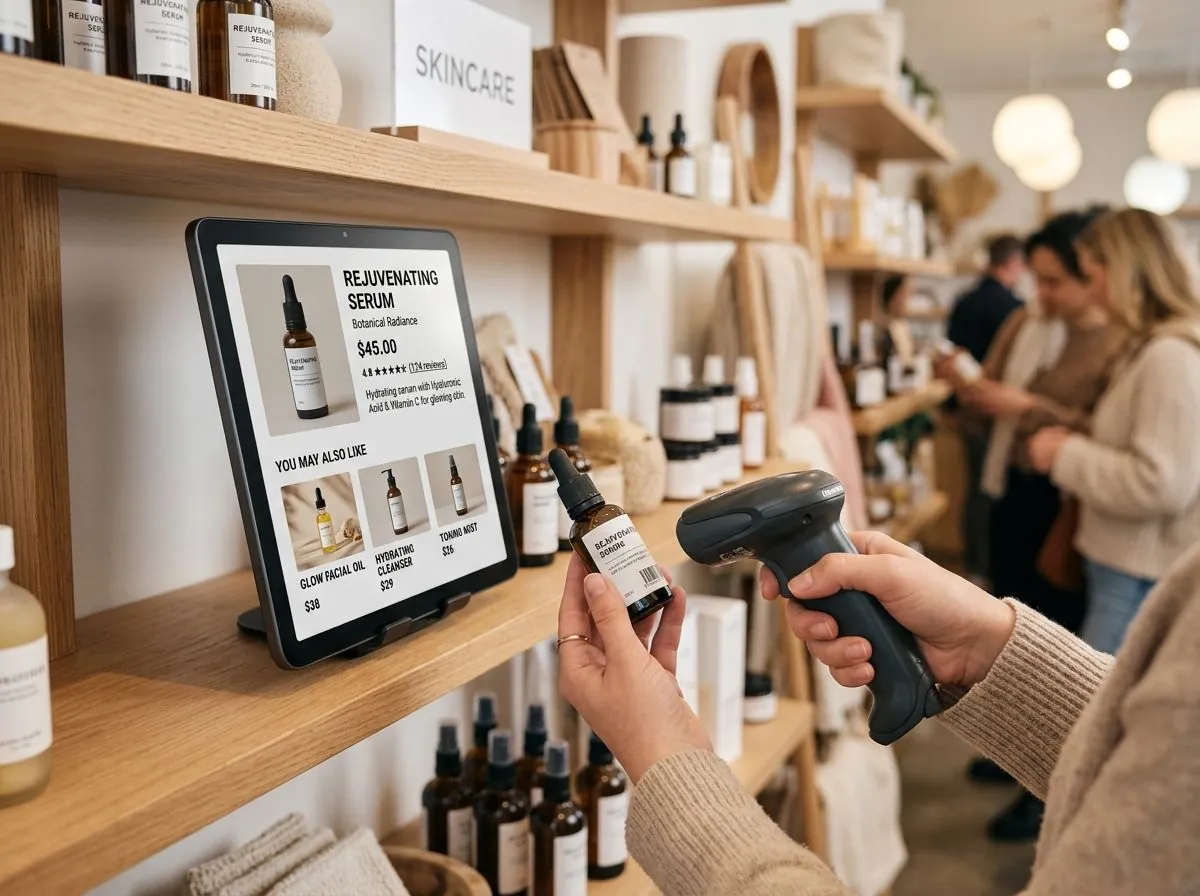
Show information shoppers actually want
Scan a product and the screen answers with its price, details and a few things shoppers often buy alongside it.
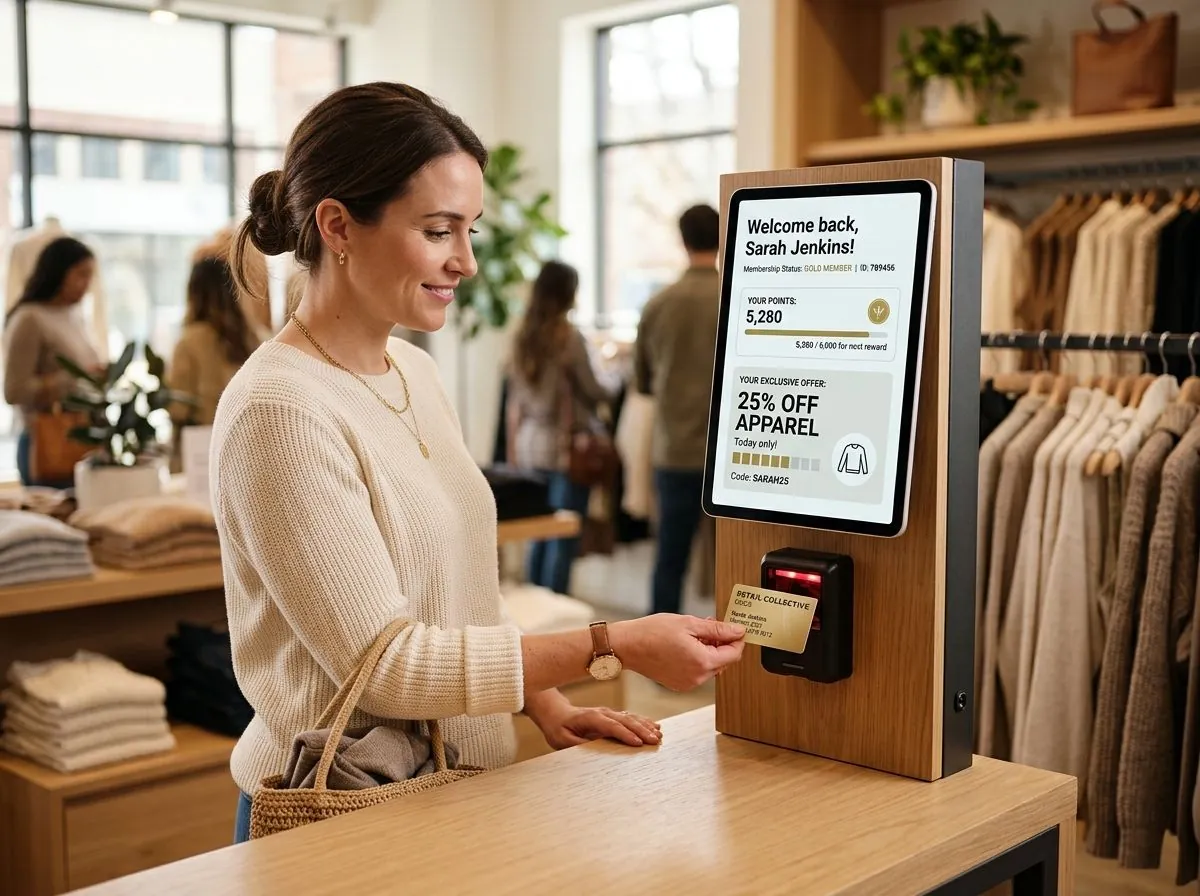
Match the promotion to the shopper
Scan a member card and the screen switches to a discount built from that shopper's own purchase history.
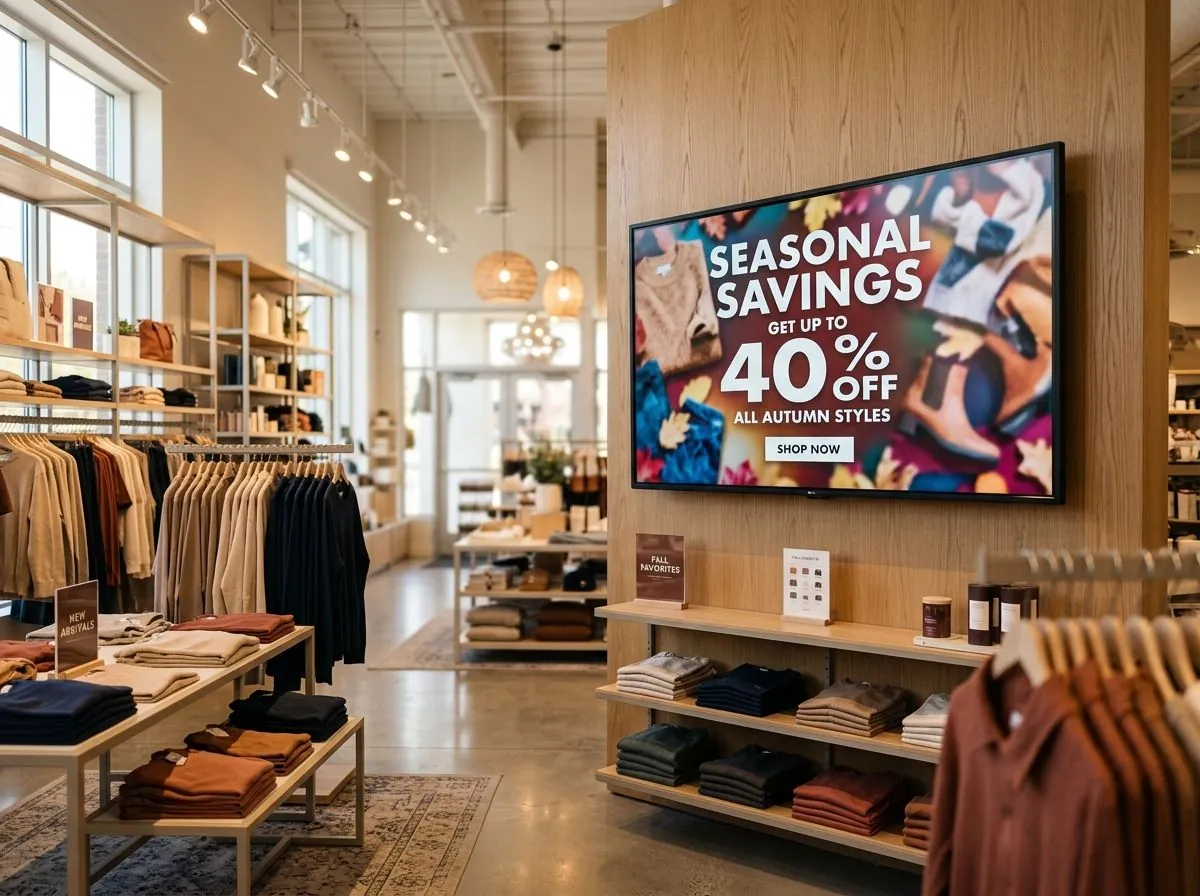
Keep advertising even when idle
When nobody is scanning, the screen returns to the main seasonal campaign on its own, so a display never sits blank.
Three ways one SMP player answers a scan
A shelf screen has three jobs, and one CAYIN SMP player switches between them on its own, based on what it reads.
Product lookup
Scan a product and the screen shows its price, details and a row of items shoppers often buy alongside it.
Personalized promotion
Scan a member card and the screen switches to a promotion matched to that shopper's purchase history.
Automatic main loop
No scan for a set period and the player resumes the main promotion loop, so the screen never sits idle.
About barcode scanner integration
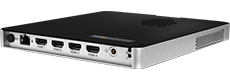
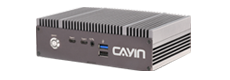
An SMP player connects to a standard USB barcode scanner, the same kind already used at many checkout counters. No custom app is required, since the player reads each scan and looks up the match against a product database or against content mapped in CAYIN CMS.
Member cards work the same way. A card's barcode or chip ID maps to a customer record, and the player pulls up the matching promotion. To check whether your scanner and database will work with an SMP player, contact us.
Where retail digital signage fits
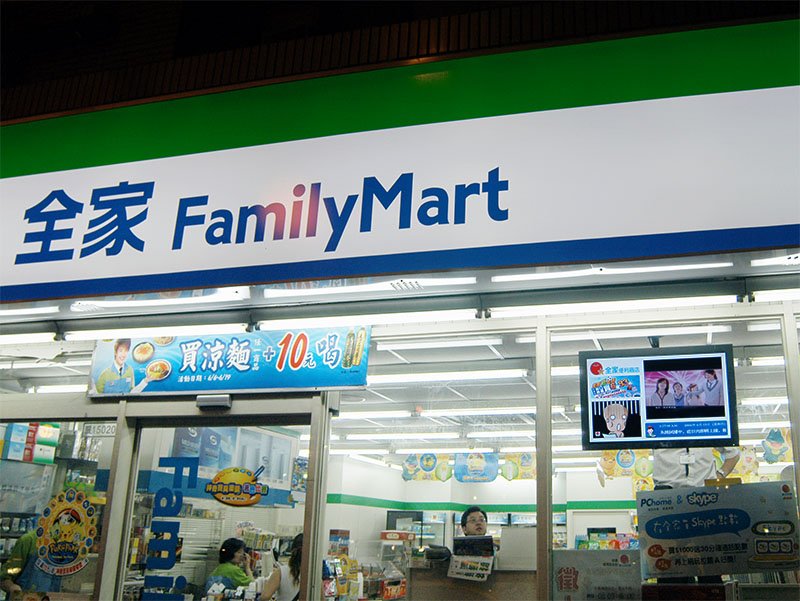
Convenience store chains
About 3,000 screens across 1,500 FamilyMart stores in Taiwan run on CAYIN CMS-SE, so news, promotions and banners push out from one place to every store.
View case study >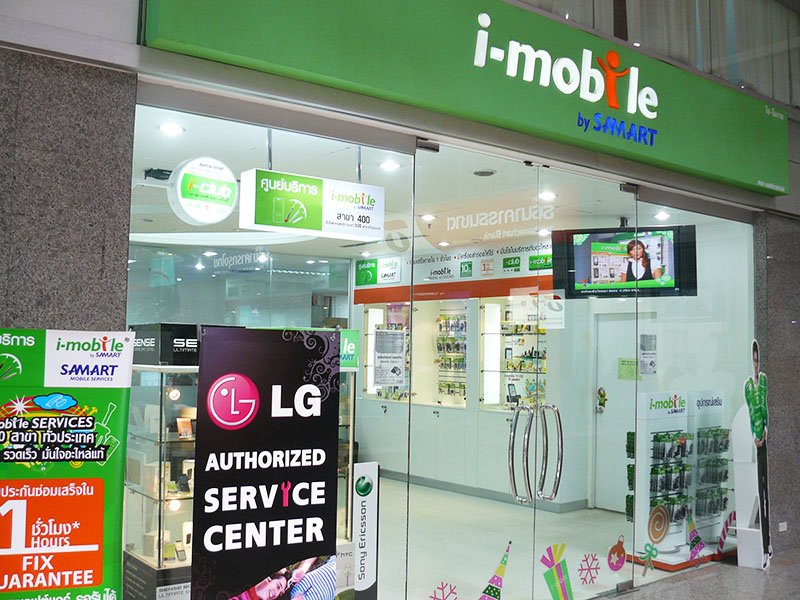
Mobile phone retail
28 i-mobile shops in Thailand run SMP-PRO3 players with a CMS-MINI server, managing product videos and promotional tickers from head office over VPN.
View case study >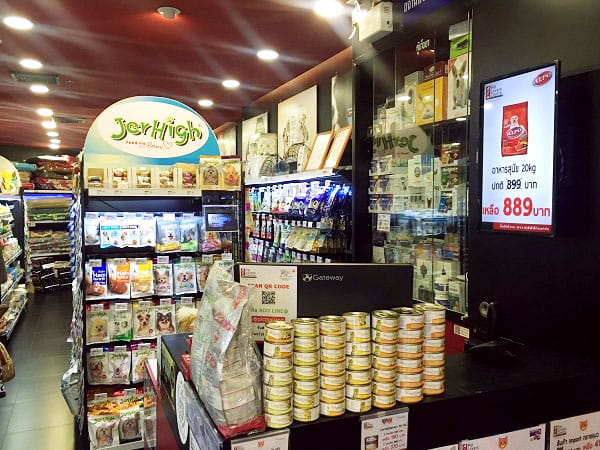
Specialty shop chains
Petlovers runs SMP-2200 players across 5 Bangkok branches with CMS-SE, scheduling new product updates and flash sale promotions from one console.
View case study >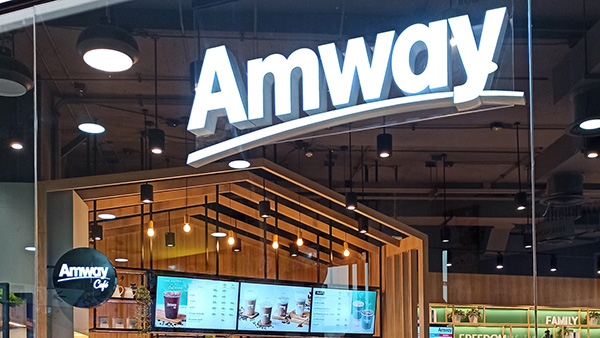
Direct sales flagship stores
An Amway flagship store in Bangkok runs SMP-2300, SMP-8000 and SMP-8000QD players with CMS-SE across a video wall and multiple displays for product information and promotions.
View case study >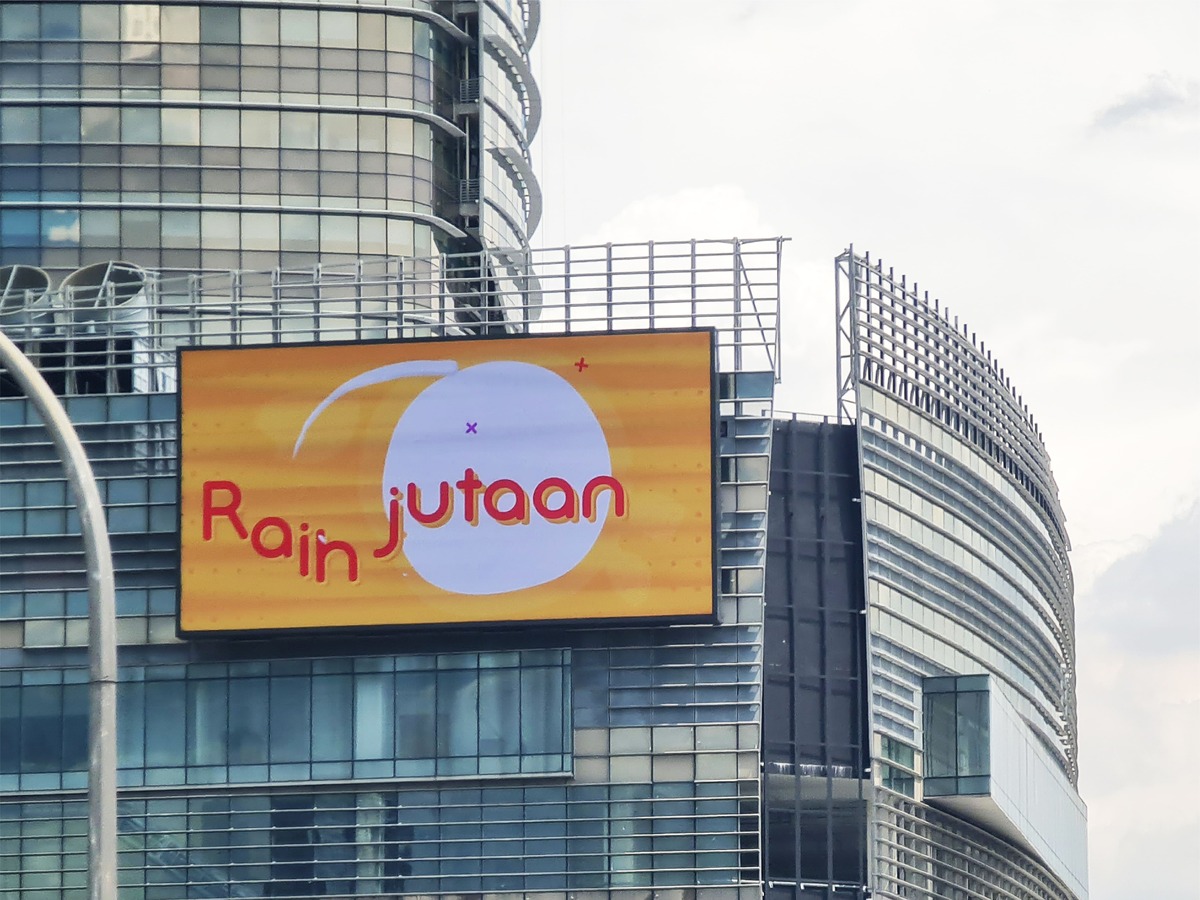
Shopping malls
Mid Valley Megamall runs SMP-2310 players across a large indoor display and an outdoor LED wall, replacing unstable PC based software with reliable remote publishing.
View case study >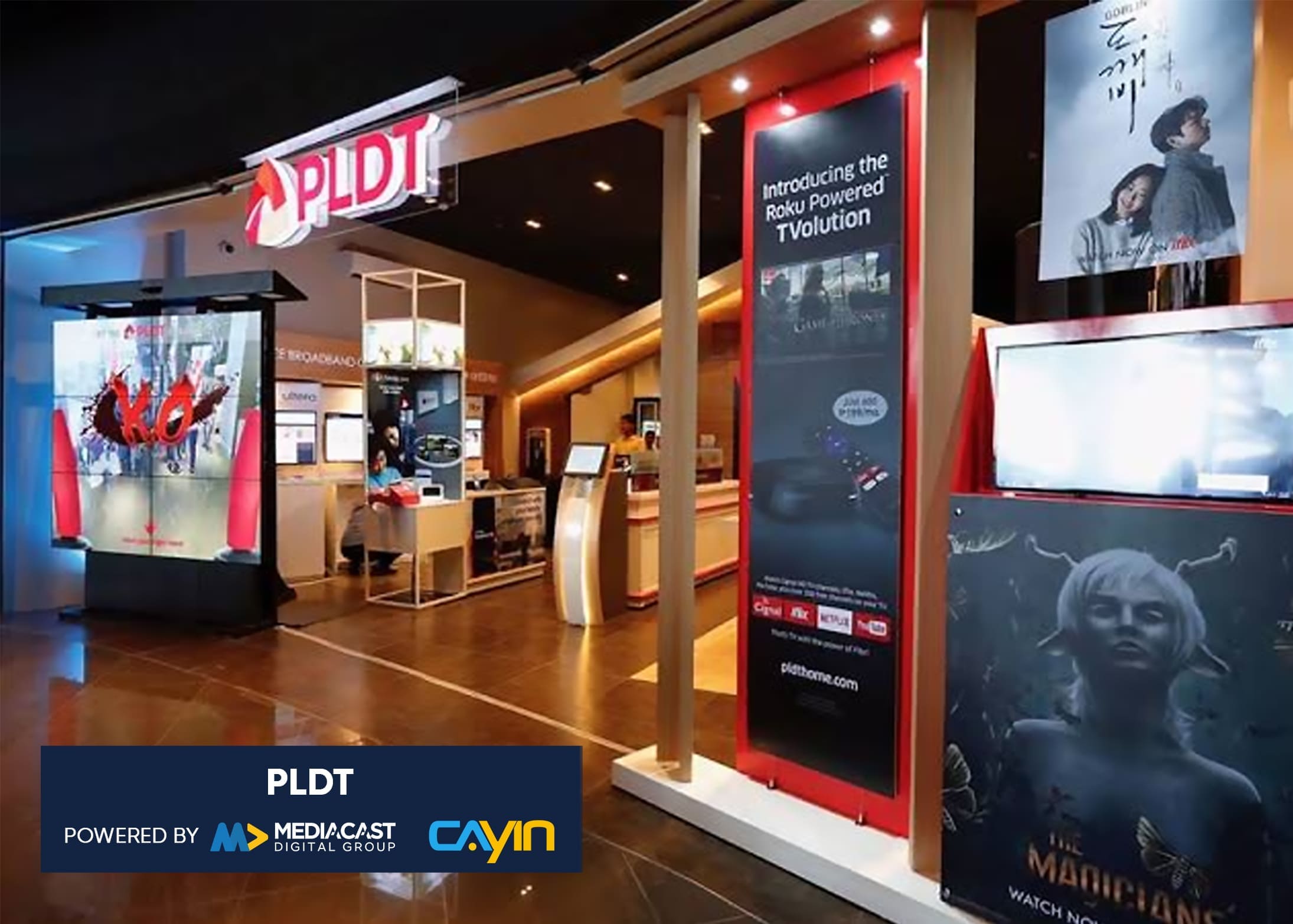
Telecom retail branches
PLDT and Smart run SMP-2200, SMP-2300 and SMP-2310 players nationwide across the Philippines, replacing manual uploads with centralized marketing content management.
View case study >Manage every screen from one server
Every SMP player carries its own product data and promotions and runs on its own. When you need to push a new price, campaign or banner to every store at once, add a CAYIN CMS server and update content from one place.

CMS-SE
Robustie SolutionContent management software on your own server, so pricing data, promotions and layouts stay on your network.
Learn more >
CMS-WS
Flexie SolutionCloud content management with no hardware to run. Push new prices and campaigns to every store from anywhere.
Learn more >Frequently asked questions
What is retail digital signage with barcode scanning?
It is a screen tied to a barcode scanner at the shelf or counter. A shopper scans a product and a CAYIN SMP player pulls up the price, details and related items on the spot, instead of showing the same loop to everyone.
Which players and scanners work with this setup?
Any CAYIN SMP player, such as the SMP-8100, SMP-2400 or SMP-2200, connects to a standard USB barcode scanner. No custom app is required, since the player reads the scan and looks up the matching content.
Can it show a personalized promotion from a member card?
Yes. A member card carries a barcode or a chip ID the same scanner can read. The SMP player matches that ID to a customer record and shows a promotion built for that shopper.
Does it need a database?
Yes, a product or member database supplies the price, description and recommendation data. The SMP player looks up each scan against that database, or against content mapped in CAYIN CMS.
Can one player run more than one scenario?
Yes. The same SMP player handles a product lookup, a member promotion and the idle main loop. It switches between them based on what the scanner reads and how long it has been idle.
Do I need a CMS server for multiple stores?
A single player runs on its own. To push new prices and promotions to every screen across many stores from one place, add a CAYIN CMS server.
What happens when nobody is using the scanner?
The SMP player waits a set period with no scan and then resumes the main promotion loop automatically, so the screen never sits idle or stuck on the last result.