Smartphones, QR codes & digital signage The screen shows it, the phone keeps it

Turn a passing look into something the visitor keeps
A screen grabs attention for a few seconds, then the visitor walks on. A QR code turns that moment into an action. The visitor scans the code with their own phone and keeps the coupon, the page or the map. CAYIN digital signage software builds the QR code for you, so the screen and the phone work as one.
- The QR code generator sits inside the CAYIN content editor. It needs no separate tool and no extra account.
- Make codes for a URL, text, an email address, a vCard or Wi-Fi login, then place them on the layout with your other content.
- Scanning is contactless and one to one. Many people scan the same screen at once and each of them lands on their own phone.
- With a CAYIN SMP player the phone can also act as a remote control for the screen.
How a QR code links the screen to the phone
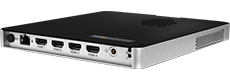
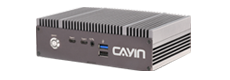
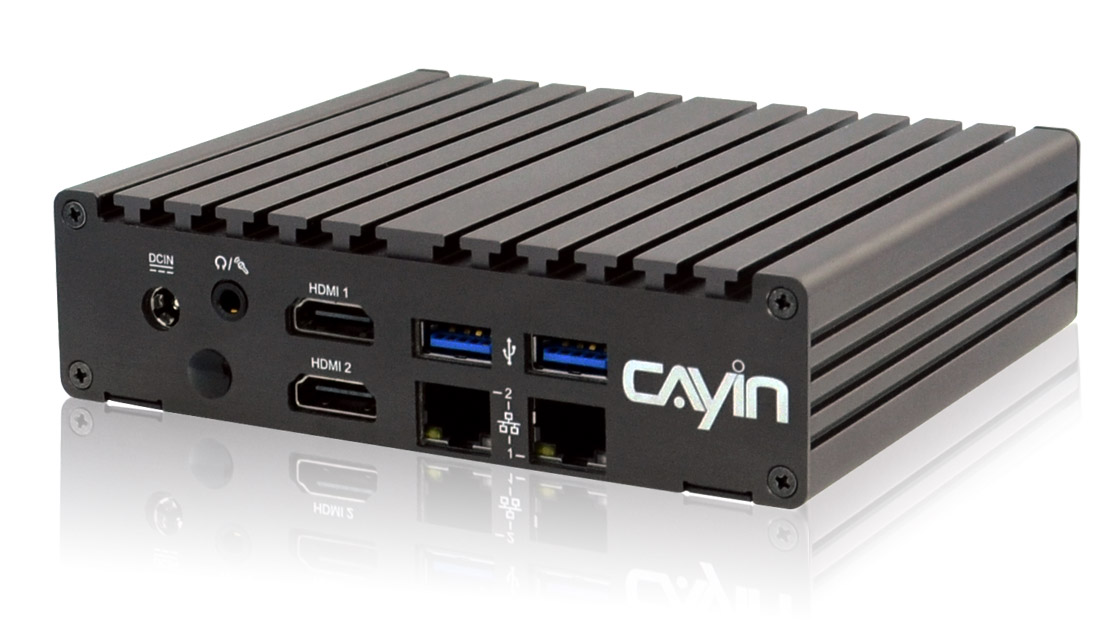
A CAYIN SMP player shows a QR code made in the CAYIN software. The code appears on the screen next to your content. A visitor scans it with a phone camera and the phone opens the linked coupon, web page or screen control. An optional CAYIN CMS server manages the layout across many screens.
Five kinds of QR code, one editor
The generator built into the software covers the codes you actually use on a screen. Pick a type, fill in the content and drop it on the layout.





Make the code look like your brand
Pick any colour
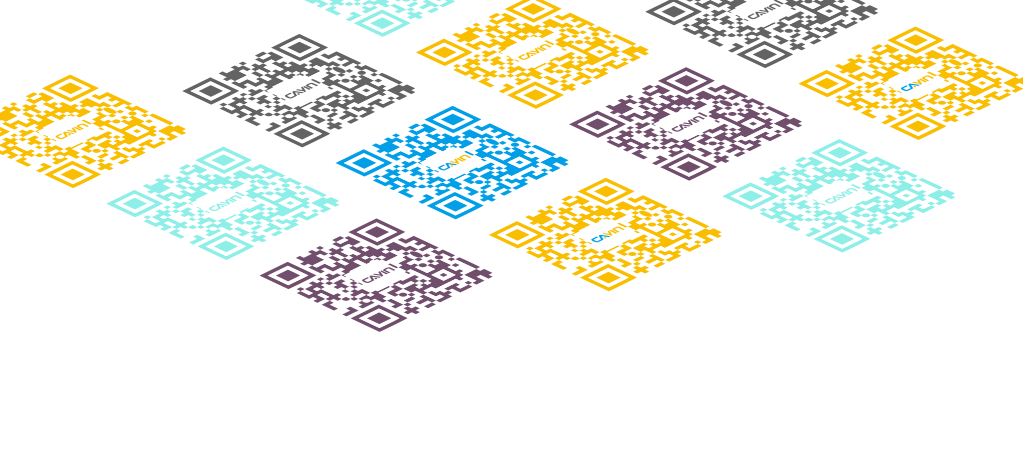
Match the QR code to your palette instead of leaving it plain black. Keep enough contrast with the background and the code still scans.
Add your logo
Drop a logo into the centre of the code so people recognise who it is from before they scan.



What a QR code on a screen can do
Offer coupons and boost sales
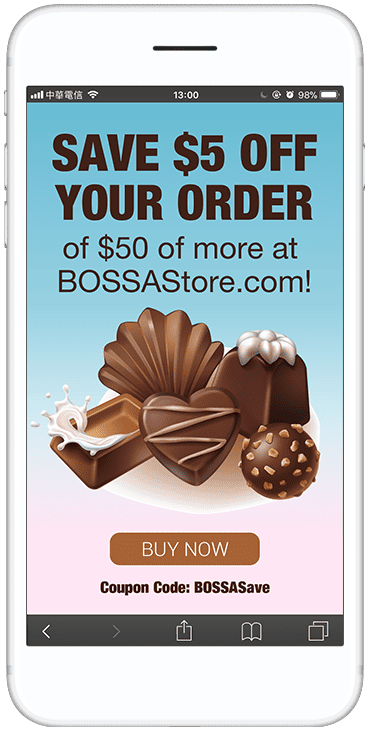
Run a promotion with a QR code on the screen. Visitors scan it to save a coupon to the phone or open the online shop and buy on the spot.
Register for an event on the spot
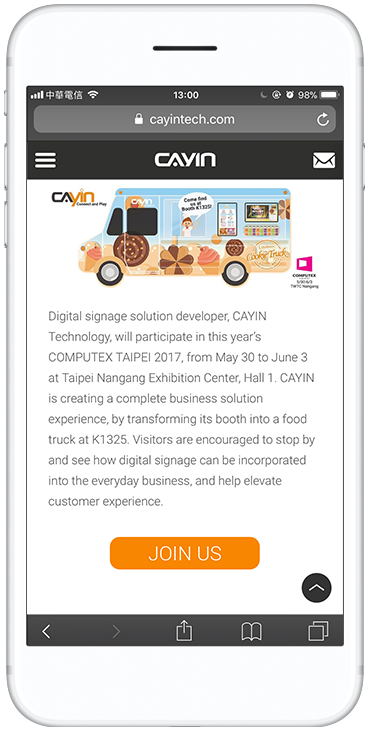
A QR code opens the event page on the phone, where visitors read the details and sign up right away. The same code works for a quick survey at the event.
Control the screen from a phone
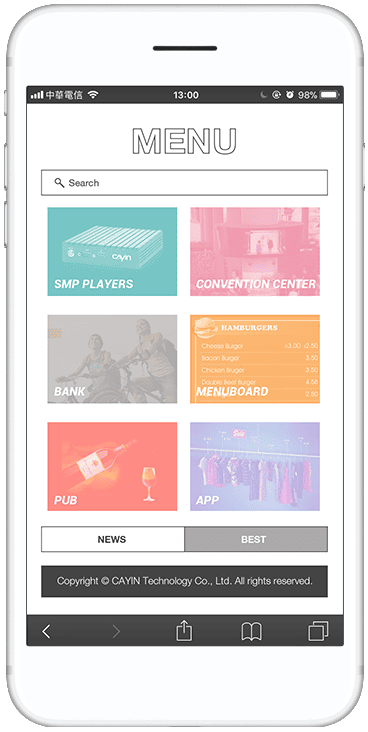
With a CAYIN SMP player the phone becomes a remote control. Tap a menu on the phone and the matching content plays on the screen, with no touch on the display.
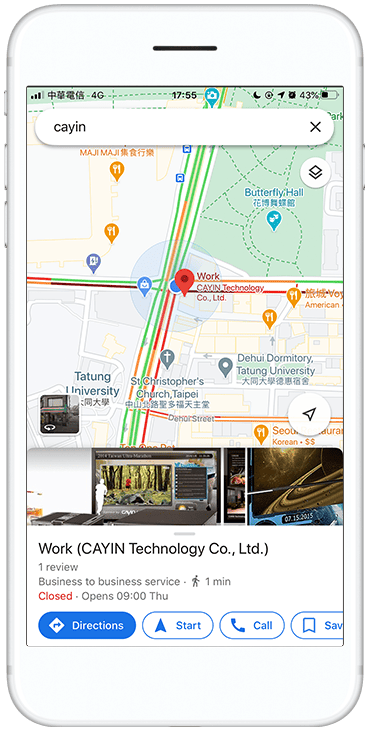
Send a map to the destination
Signage promotes a local shop, landmark or attraction and the QR code opens a map on the phone that guides the visitor to the door.
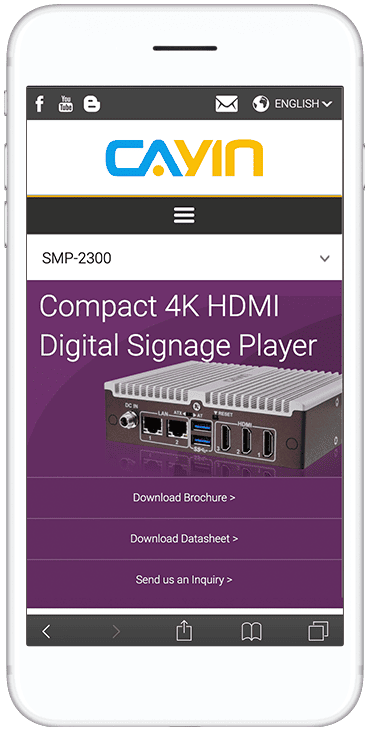
Hand over full product details
The screen carries the headline and the visual. The QR code opens the full spec sheet or product page so the visitor can read it later on the phone.
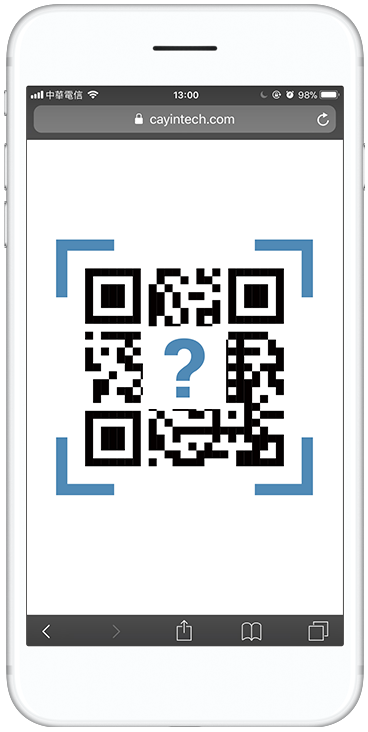
Collect feedback and more
Point the code at a feedback form, a rewards page or a social page. One QR code turns a passing glance into an action the visitor takes on the phone.
Manage every screen from one server
A single SMP player runs on its own. When you want to build a QR code layout once and push it to many screens or sites, add a CAYIN CMS server and manage content and scheduling from one place.

CMS-SE
Robustie SolutionContent management software on your own server, so content and layout data stay on your network.
Learn more >
CMS-WS
Flexie SolutionCloud content management with no hardware to run. Manage players and assign each screen's content from anywhere.
Learn more >Frequently asked questions
How does digital signage work with a smartphone?
The screen shows a QR code. A visitor scans it with the phone camera and the phone opens a web page, a coupon, a form or a screen control. The transfer is contactless and each person uses their own device.
Do I need a separate tool to make the QR code?
No. CAYIN digital signage software has a QR code generator built in. You create the code inside the content editor and place it on the layout with the rest of your content.
What can a QR code on a screen link to?
The generator makes QR codes for a URL, plain text, an email address, a vCard contact and Wi-Fi login details. A URL code can point to a coupon, a product page, a registration form, a map or a survey.
Can visitors control the screen from their phone?
Yes. With a CAYIN SMP player the visitor scans the QR code and the phone becomes a remote control. When the visitor taps a menu on the phone, the matching content plays on the screen, so nobody has to touch the display.
Which CAYIN players support QR code content?
The SMP-8100, SMP-2400 and SMP-2200 all show QR code content made in the CAYIN software. Phone screen control is handled by the SMP player.
Can I brand the QR code?
Yes. You can change the QR code colour to match your design and drop a logo in the centre. The code stays scannable as long as there is enough contrast with the background.
Does the visitor need an app to scan the code?
No. The camera app on current iOS and Android phones reads QR codes with no extra app. The visitor points the camera at the screen and taps the link that appears.
Do I need a CMS server to publish QR code content?
A single SMP player can run on its own. To build QR code layouts once and push them to many screens or sites, add a CAYIN CMS server, either CMS-SE on your own hardware or the CMS-WS cloud server.