Interactive Digital Signage Put the visitor in control, on one SMP player

Let visitors act, not just watch
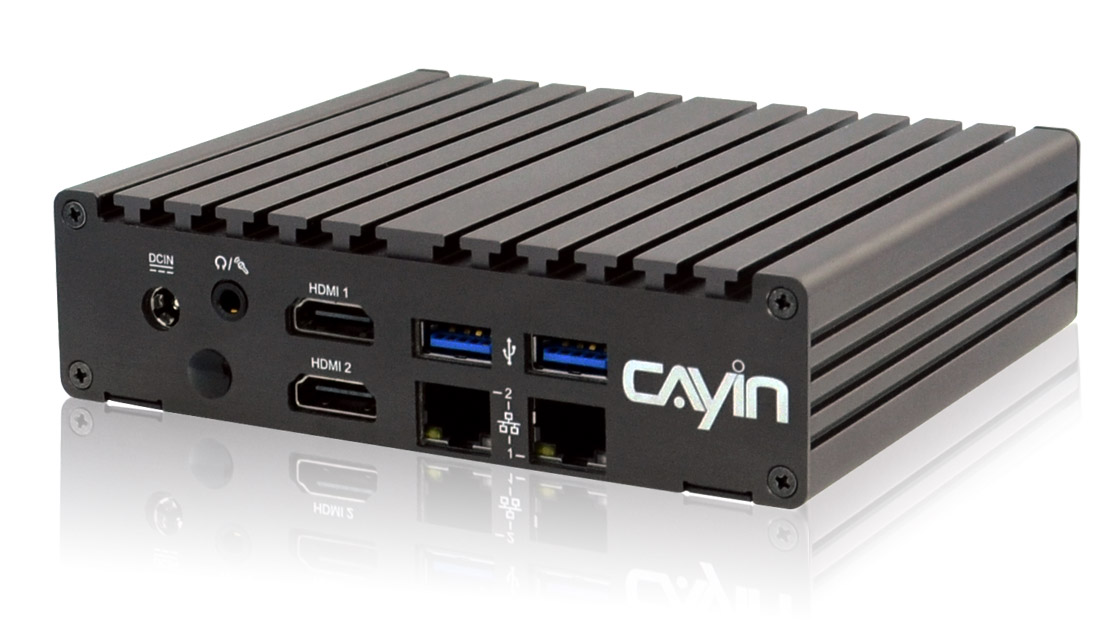
A normal screen plays a loop and the viewer walks past. Interactive signage lets people reach out and find answers on their own. One CAYIN SMP player drives the screen and runs the interaction, so a passive display becomes a service point people can browse and search.
- SMP players carry a built in HID driver, so they work with most single touch panels on the market. You can reuse the touch screen you already have.
- Put a small touch panel where people can reach it and keep the large screen for content. Two SMP players split the job.
- Gesture mode adds hand control to a playlist with no code. People wave to turn the page, so nobody has to touch the screen.
- Show a QR code and people scan it with their own phone. Many can join at once and take the information with them.
How interactive digital signage works
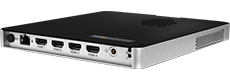
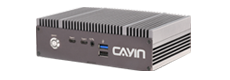
Data flow. A CAYIN SMP player drives the screen and handles the interaction. One SMP player sends an HTML page to an HID touch panel. A small touch panel controls a large display using two SMP players. In gesture mode, a sensor lets people browse the screen with hand gestures and no touch hardware. An SMP player can also show a QR code so visitors interact from their own phone. A CAYIN CMS server manages every player's interactive playlists centrally.
Interactive signage in a real setting
Four ways to interact, one for each kind of space
Different spaces call for different interactions. All four run on one SMP player that handles both display and input, so setup stays the same.
HID touch panel
One SMP player drives a touch screen. Visitors tap, swipe and choose, the most direct way to interact.
Touch panel
with a large display
A small panel sits within reach and a big screen shows the content. Two SMP players share the work.
Gesture mode, no coding
Turn on gestures while you build a playlist, with no code. Visitors browse hands free.
Phone interaction
Show a QR code and visitors browse on their own phone, hands free and many at once.
Gesture Mode That Needs No Code
CAYIN builds gesture sensing into the SMP digital signage player. People wave or pinch in front of the screen to turn pages and switch content, without touching it.
Gesture mode is ready to use, so an interactive project does not wait on an engineering queue. You switch it on while building a playlist, pick the controls and effects, and link content such as remote URLs, HTML pages, images or CAYIN xPost. No code at any step.
- Turned on and adjusted from the playlist screen, no code
- A choice of gestures and on screen effects to match the content
- Links remote URLs, HTML pages, images and CAYIN xPost
- Hands free, so it fits busy public spaces
About HID touch panels
The SMP player has a built in HID driver that supports most single touch controllers on the market. You can reuse an existing touch screen or buy locally, and the interactive network goes live sooner.
Before you deploy, run one compatibility test between the SMP player and the touch panel you plan to use. To check whether your screen will work, contact us.
Where interactive digital signage fits

Retail and showrooms
Shoppers browse the catalogue, check stock and compare models on a touch screen, so staff spend their time on the customers who need advice.
View case study >
Museums and exhibitions
Visitors move through exhibits at their own pace, watch clips and read more, and gesture mode lets everyone browse hands free.
View case study >
Lobbies and wayfinding
An interactive directory and route map lets visitors find the right floor, tenant or meeting room the moment they walk in.
View case study >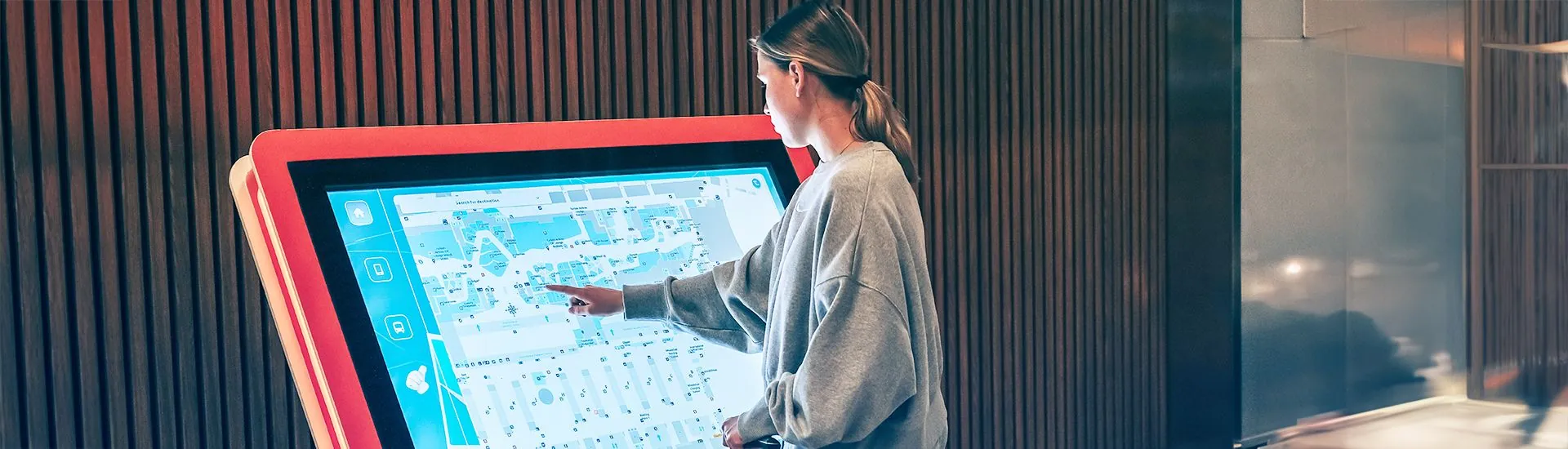
Shopping malls and food courts
Shoppers use an interactive floor map to find a store, then order at a self service screen in the food court, all driven by one SMP player.
View case study >
Public services
Interactive kiosks hand out forms, notices and service steps around the clock, so service is not tied to counter hours.
View case study >
Events and trade shows
A gesture wall or a phone scan campaign pulls a crowd and lets many people join at once, so the booth never jams up.
View case study >Manage every screen from one server
Every SMP player carries its own interactive playlist and runs on its own. When you need to manage many screens or sites at once, add a CAYIN CMS server and update content and assign playlists from one place.

CMS-SE
Robustie SolutionContent management software on your own server, so content and layout data stay on your network.
Learn more >
CMS-WS
Flexie SolutionCloud content management with no hardware to run. Manage players and assign each screen's content from anywhere.
Learn more >Frequently asked questions
What is interactive digital signage?
Interactive digital signage is a screen that responds to the viewer. People use a touch panel, a hand gesture or their own phone, instead of watching it play a loop. A CAYIN SMP player drives the screen and runs the interaction.
Which touch panels work with a CAYIN SMP player?
SMP players have a built in HID driver, so they support most single touch panels on the market. Run one compatibility test between the SMP player and the touch panel before you deploy.
Do I need to write code to build an interactive playlist?
No. Gesture mode is turned on while you build a playlist, with no code. You choose the control and effect options and link content such as remote URLs, HTML pages, images or CAYIN xPost.
Can a small touch panel control a large display?
Yes. A small touch panel is the control surface and a large screen shows the content. This setup uses two SMP players, one for the panel and one for the display.
What content can an interactive screen show?
Interactive content can be remote URLs, HTML5 pages, images, video and CAYIN xPost pages. Visitors use it to browse a catalogue, a directory, a menu or a route map.
Can visitors interact from their own phone?
Yes. Show a QR code and visitors open a page on their phone with one scan. The interaction stays hands free and several people can take part at once.
Do I need a CMS server for interactive signage?
A single player runs on its own. To manage interactive playlists across many screens or sites from one place, add a CAYIN CMS server.