CMS-WS The Best Cross-Platform Digital Signage Server
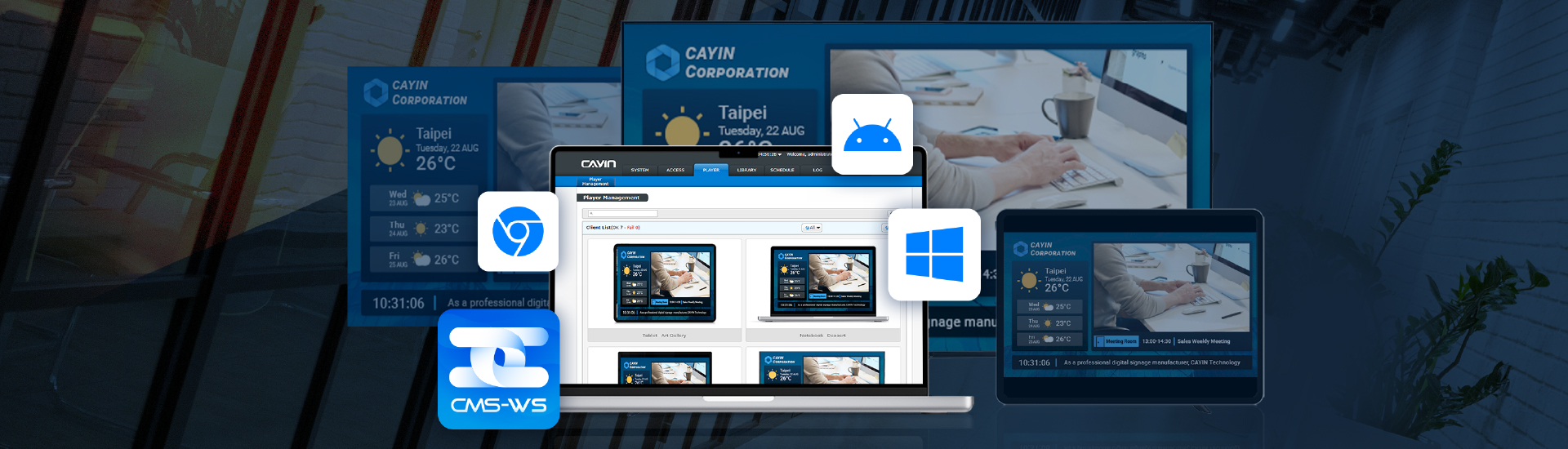
Flexie Solution
The Flexie Solution serves as an all-in-one Digital Signage Management System
for all
types of businesses and budgets.
Product Highlights
- One for All, All in One
- Small Budget, Big Result
- CAYIN AI Server free multi-language localization, and quickly translate marquee content into multiple languages
- AI-powered content creation
- Start marketing in seconds
- Versatile scheduling and playback
- File activation settings
- Automatic HLS conversion for stable streaming
- Intuitive user interface
- Network traffic manager
- Multi-NIC configuration for self-hosted servers
- Safe and secure data storage
- HTTPS encrypted connections for stronger security
- File download for complete data backup
- Publish log for clear content audit trails
One for All, All in One
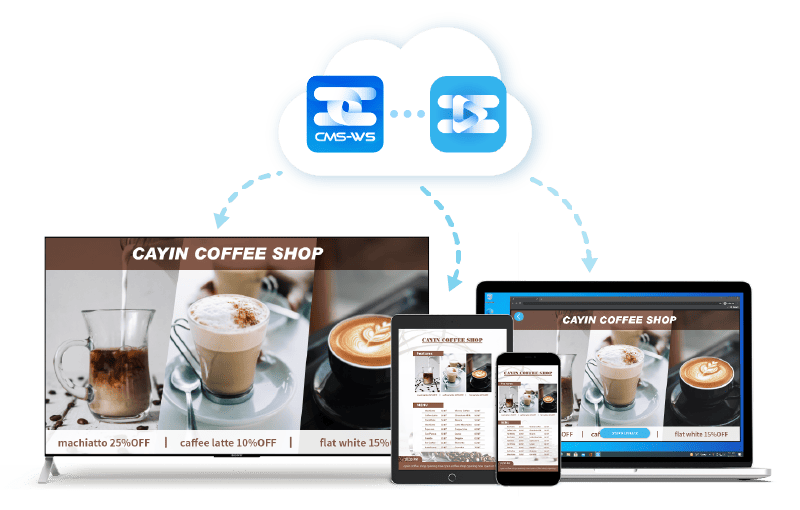
CMS-WS All-in-One Management Manage up to 1,000 devices through a single web browser with our cross-platform server.
Unbeatable Versatility Compatible with CAYIN SMP players, Android, Smart TVs, and PCs with CAYIN Signage Player App. This flexibility matches any business demand and budget.
Small Budget, Big Result
CMS-WS is billed as a yearly subscription based on the number of connected devices, so you pay for exactly what you use.This device-based pricing cuts out long-term commitment and gives you precise control over your costs as your device count grows or shrinks.
CMS-WS is the ideal cost-effective solution for retail,
small and medium-sized businesses to get
big results from a small budget.
Get 90-day FREE TRIAL NOW!
Download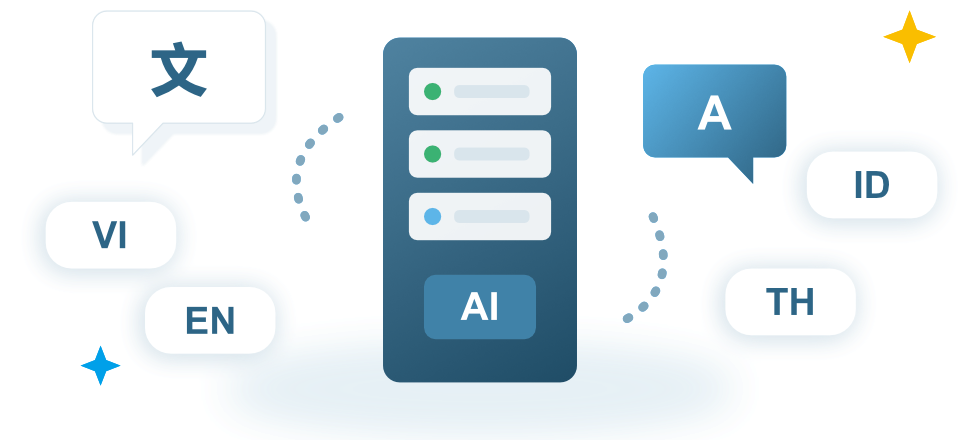
CAYIN AI Server Free Multi-language Localization
With the CAYIN AI Server, CMS-WS can translate and localize content into multiple languages within seconds. This is especially useful for environments such as factories with multi-national staff, ensuring that announcements, training, and safety information reach everyone instantly. Enjoy high-quality localization with no extra fees.
AI-powered Content Creation
Accelerate your creativity with CMS-WS AI. Create content faster and smarter with advanced AI-powered content creation tools. CMS-WS integrates cutting-edge AI to streamline your workflow, generating professional results based on your unique brand identity and target audience.- Smart Tools for Modern Marketing
- Text-to-Image Generation, turn simple descriptions into high-quality visuals instantly to keep your displays fresh.
- Image-to-Image Transformation, enhance or adapt existing images into new styles while maintaining brand consistency.
Start Marketing in Seconds
Reach your target audiences and start marketing your brand and products within
seconds with CMS-WS.
The rich library and cloud resources packed with fonts, clocks,
downloaded and adjusted based on your brand image, style and needs. You’ll be able to
stream a variety of media types, including video, YouTube video, image, HTML5
web page, text ticker, news, weather, social media, etc.
Moreover, CMS-WS will deploy
your marketing touchpoints to
communicate with your audiences in2Simple Steps
Versatile Playback Function
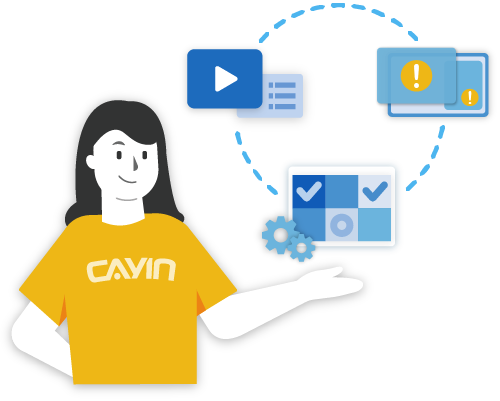
The Versatile Playback Function offers three playback options. Playlist, create a playlist that automatically plays the content in sequence.Schedule, arrange a one-time event or daily, weekly, monthly, or yearly tasks for all CAYIN players and web-enabled devices. The two viewing modes, calendar and timetable, help users facilitate schedule management.
Emergency, designed for times of urgency, users can activate the alert mechanism and broadcast emergency messages in texts, images, videos, HTML, and more. The cross-platform feature will allow your audience to access urgent messages on their personal devices.
Automated Video and Image Playlist
Schedule content on playlists ahead of time so you never miss a beat. Expiration dates can be set on uploaded video or image files in your playlist and automatically played or stopped as per your desired dates.
Automatic HLS Transcoding for Stable Streaming Playback
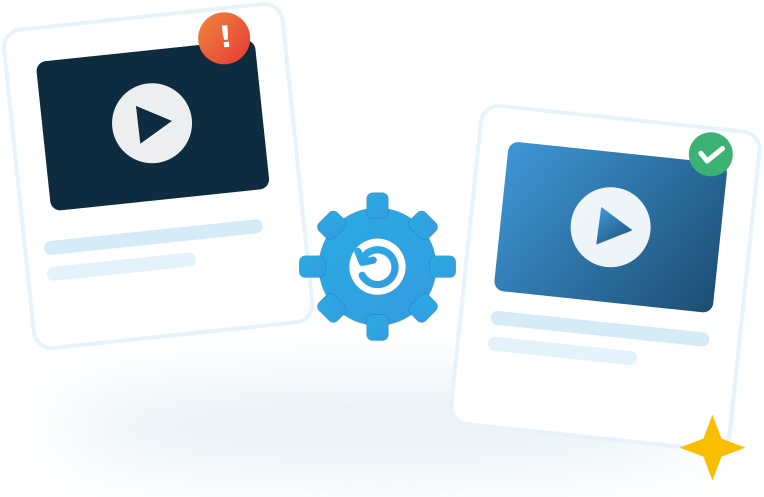
CMS-WS automatically transcodes uploaded videos to HLS streaming format, ensuring stable, smooth playback across all your devices with no extra software or manual conversion required.
Intuitive User Interface
CMS-WS’s intuitive user interface gives users the ability to perfectly manage all multimedia content with zero learning curve. The remote management function also gives users instant access to manage, upload, and schedule display devices anywhere, anytime using a WEB browser, or the CMS-WS player App.Network Traffic Manager
Easily manage your video players' bandwidth and instantly tap into each player’s real-time traffic and functioning status. You can also observe and check large traffic spikes for accidental operational mistakes or abnormal intrusions. To improve playback fluency and stability, adjust your player's content based on what you observe from the backend.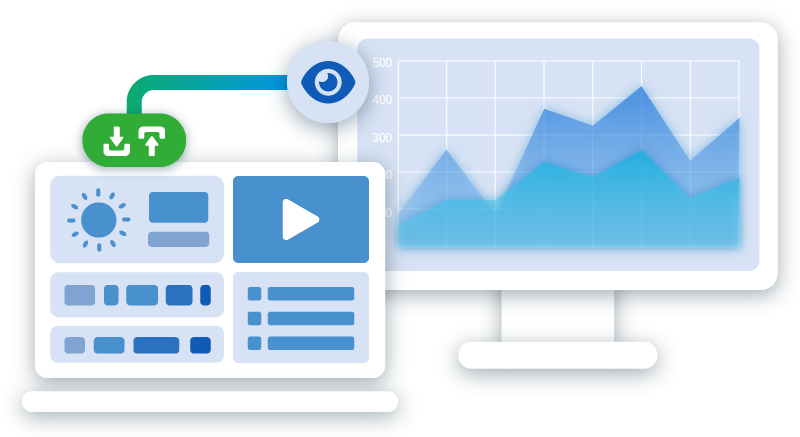
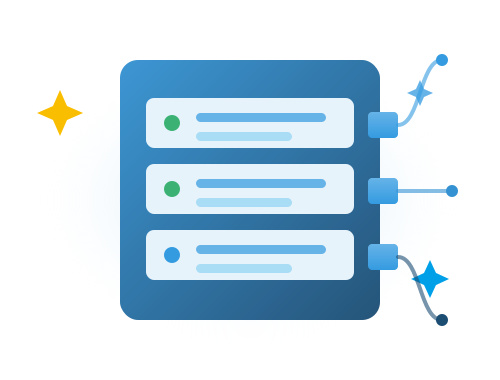
Multi-NIC Configuration for Self-Built Servers
For customers who build their own CMS-WS server with multiple network interface cards, CMS-WS automatically detects every card installed on the machine, making network setup straightforward from the start.
Administrators can configure IP, netmask, DNS1, and DNS2 independently for each detected card, with no extra manual setup needed.
Safe and Secure Data Storage
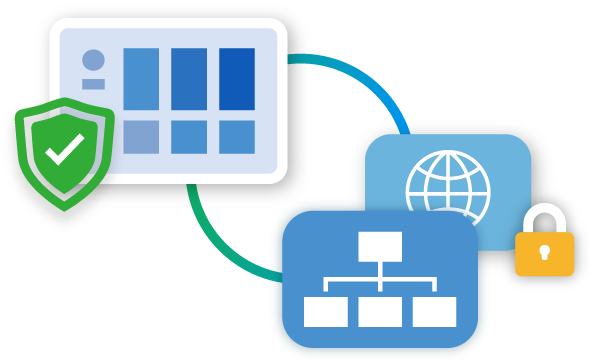
Unlike third-party SaaS platforms, CMS-WS keeps your data on a server you control, whether that's on-premise or your own private cloud, instead of a shared public cloud service. Users have full control over their data and can choose their own preferred network.For convenience, select the internet browser or for security, choose the LAN/WAN intranet, which provides a private connection for important content and data.
Supports HTTPS Encryption for Enhanced Security
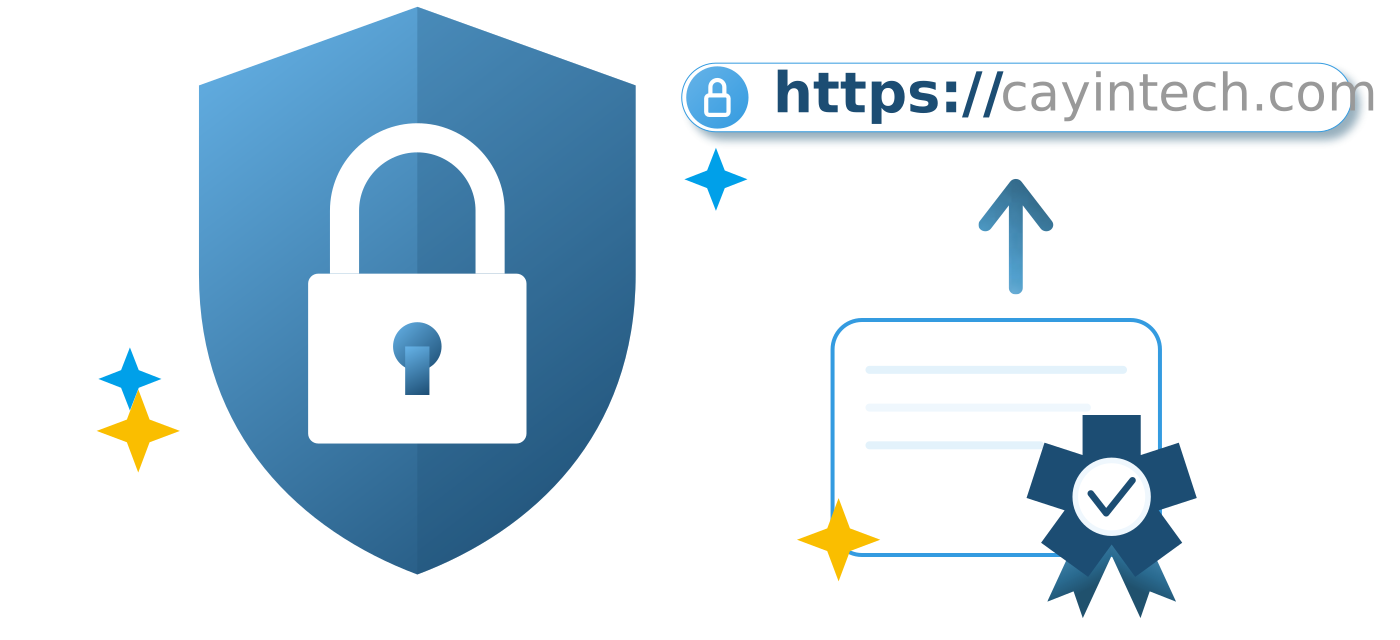
To strengthen management interface transmission security, CMS-WS supports HTTPS encrypted connections.
After enabling this feature, you can quickly activate encryption using the system's built-in default self-signed certificate.
Enterprises with their own certificates can also upload a custom self-signed certificate for even stricter management connection security.
File Download for Reliable Data Backup
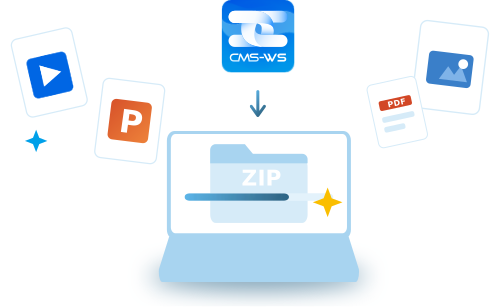
When relocating devices, replacing equipment, or retaining playback logs, users can download and back up all file contents from the server to their local computer.
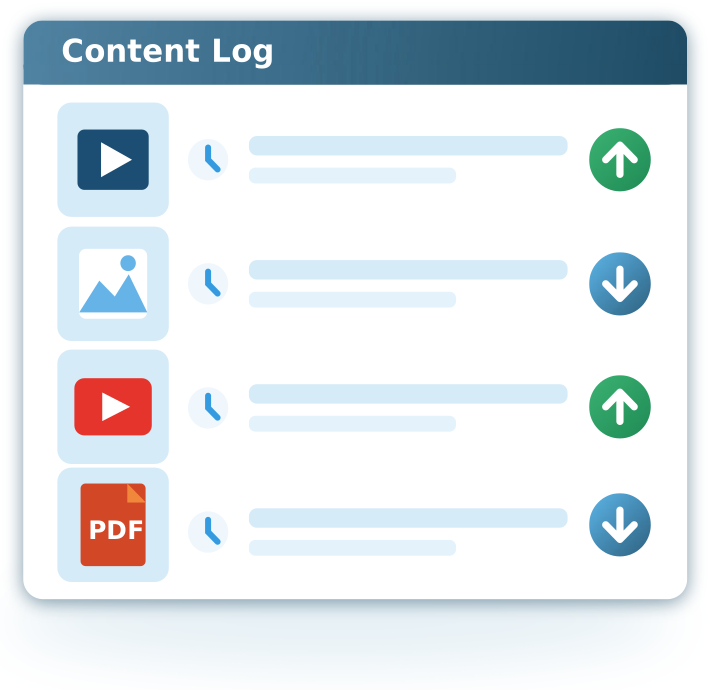
Content Audit Log All Publish & Unpublish Events at a Glance
The CMS-WS log records precise timestamps for every content publishing and unpublishing event. Administrators can easily review when playback started and ended for each item,
streamlining audit trails, troubleshooting schedule issues, and providing vital evidence for contracts and playback verification.
meetingPost+
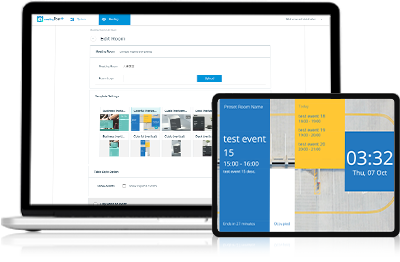
meetingPost+ fulfills the versatile needs of any room signage by supporting Google Workspace and built-in calendars for real-time room info display
Learn More