Every Watt Counts: Choosing an Energy-Saving Digital Signage Player
Why digital signage power use adds up
One screen does not use much electricity. A network of screens running 12 to 24 hours a day, every day, does. Many businesses still drive their signage with a desktop PC and software, because that is what they had to hand. A PC is designed for many tasks, so it carries a large power supply, graphics and cooling that a playlist does not need.
Every watt you save is multiplied by the number of screens and the hours they run, which is why the choice of player matters more than it first appears.
How to estimate the saving
Energy use is simple to estimate: power (watts) × hours of use ÷ 1,000 = kWh. Do it for your current setup and for the alternative, then multiply by the number of screens.
| Example device | Hours per day | Energy per year |
|---|---|---|
| Device drawing 100 W | 12 | 438 kWh |
| Device drawing 20 W | 12 | 88 kWh |
| Difference per screen | 350 kWh |
These figures are a worked example of the formula, not measurements of specific products. Use the power figures of your own equipment, measured at the wall if possible.
What to look for in an energy-saving player
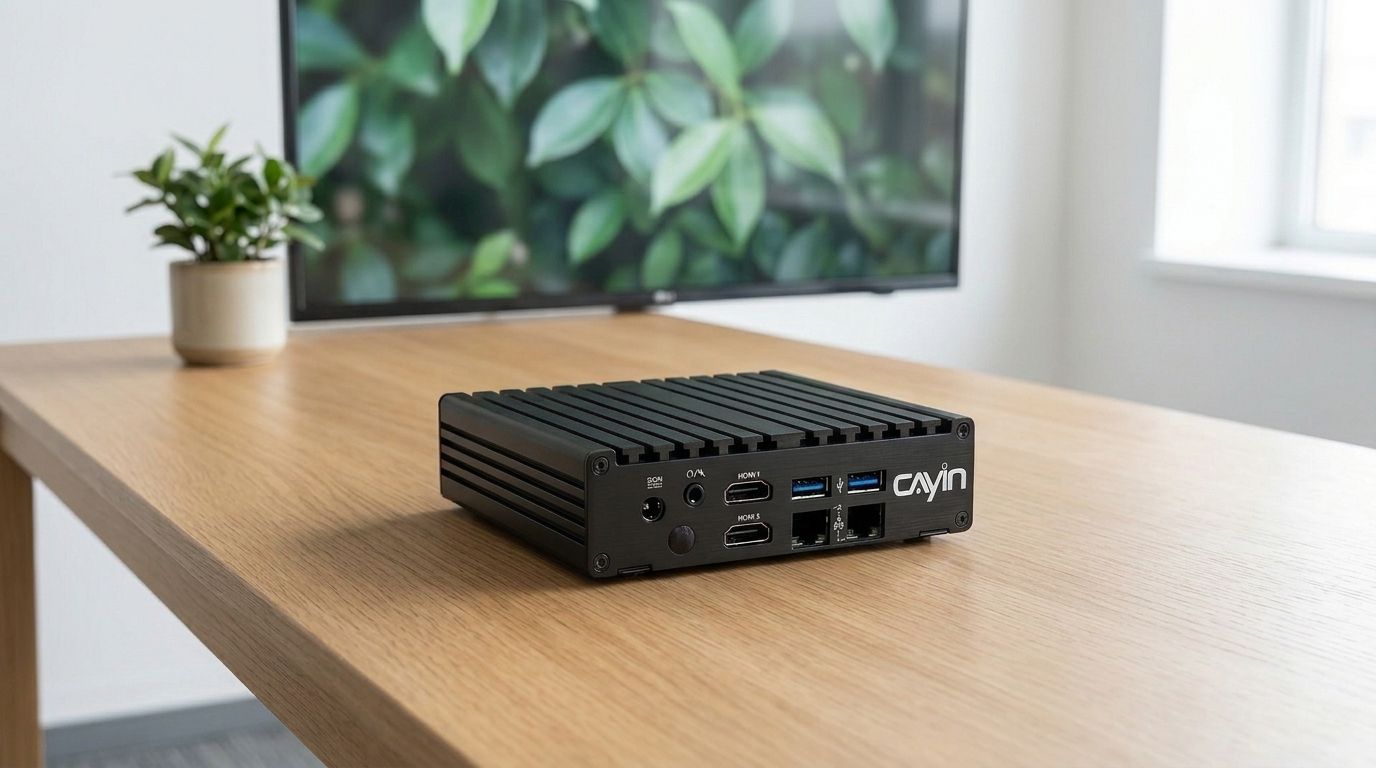
- A purpose-built design. Embedded players such as CAYIN SMP-2200 are built only for signage, with low-power components and no hardware the job does not use.
- Multi-display output. One player that drives two or three screens, such as SMP-2210, replaces several separate players.
- Screen power scheduling. SMP players can switch connected screens on and off on a schedule, so displays are not lit when the building is closed. This also extends panel life.
- Fanless or low-noise operation where possible, which usually indicates a lower power design.
- Reliable standalone playback, so you do not need an extra PC or server running on site just to keep content playing.
Saving energy beyond the player
- Match brightness to the location. Indoor screens rarely need full brightness; lowering it is one of the biggest savings on the display itself.
- Turn screens off outside business hours with a schedule rather than relying on staff.
- Consider ePaper for signs that change a few times a day, such as room signs, timetables and shelf labels. ePaper draws power only when the image changes and holds the image with no power in between. See CAYIN ePaper solutions.
- Manage centrally with a server such as CMS-SE, so power schedules are applied consistently across every site.
Frequently asked questions
How much power does a digital signage player use?
It depends on the hardware. A desktop PC used for signage usually draws much more than a compact embedded player built only for playback. Check the manufacturer's specifications or measure at the wall, then multiply by hours of use to get kWh.
Is a media player more energy efficient than a PC for digital signage?
Usually, yes. A purpose-built player uses low-power components and leaves out hardware that signage does not need, while a PC carries a larger power supply, graphics and cooling designed for other tasks.
Can digital signage screens be switched off automatically?
Yes. CAYIN SMP players can turn connected screens on and off on a schedule, so displays are only lit during opening hours.
When should I use ePaper instead of an LCD screen?
When content changes only occasionally and does not need video, such as room signs, timetables, notices and shelf labels. ePaper uses power only to update the image and is easy to read in sunlight.
Does reducing screen brightness save much energy?
Yes. The display is often the largest power user in a signage setup, and most indoor screens can run below full brightness without affecting readability.
CAYIN Technology in Brief
CAYIN Technology is a 22-year professional digital signage solution and software developer from Taiwan. By offering a complete portfolio of appliance-based digital signage solutions, CAYIN dedicates itself to being a reliable partner to clients worldwide and has successfully set up various applications globally. In order to best facilitate the deployment of its products, the company also provides tailored services to satisfy the ever-growing market demand for almost limitless applications.