ePaper Sustainable Signage Solution
Smart Display, Infinite Efficiency

What Is ePaper?
A reflective, paper-like display
ePaper is a reflective display that shows text and images with reflected ambient light instead of a backlight. ePaper, also called electronic paper or EPD, is a reflective display technology that looks like printed paper rather than a glowing screen. Instead of a backlight it forms an image by reflecting the light already in the room. It uses electrophoretic ink and is found in e-readers, electronic shelf labels, transit displays and medical devices.
How the image is formed
An ePaper image is built by using an electric field to move charged black and white ink particles held in microcapsules. The ink layer holds millions of microcapsules. Each capsule contains a clear fluid with charged black and white pigment particles. An electric field moves the particles toward or away from the surface to build text and images. Because the picture is made from reflected ambient light, it reads as naturally as ink on paper and stays sharp in direct sunlight.
Bi-stable, near-zero power
ePaper is bi-stable: it draws power only to change the image, then holds it with none. ePaper is bi-stable, so the image stays on screen even after power is removed. The display draws energy only during the instant it refreshes, then holds the image with no further power. Compared with LCD and OLED, which need continuous power to hold any image, ePaper's zero static power is a decisive advantage for energy use and sustainability.
ePaper vs LCD vs OLED
| Attribute | ePaper | LCD | OLED |
|---|---|---|---|
| Light source | Reflective, ambient light | Backlight | Self-emitting |
| Static power, image held | Near zero | Continuous | Continuous |
| Sunlight readability | Excellent | Poor to fair | Fair |
| Refresh speed | Slow, page updates | Fast | Fast |
| Motion and video | Not suited | Good | Excellent |
| Eye comfort | Paper-like, no backlight | Backlit | Backlit |
| Color | Mono to 6-color (E Ink Spectra 6) | Full color | Full color |
| Best fit | Static info held for long periods | General UI and video | Vivid video, dark UI |
Where ePaper Works
CAYIN delivers customized ePaper display systems for the environments below and more.
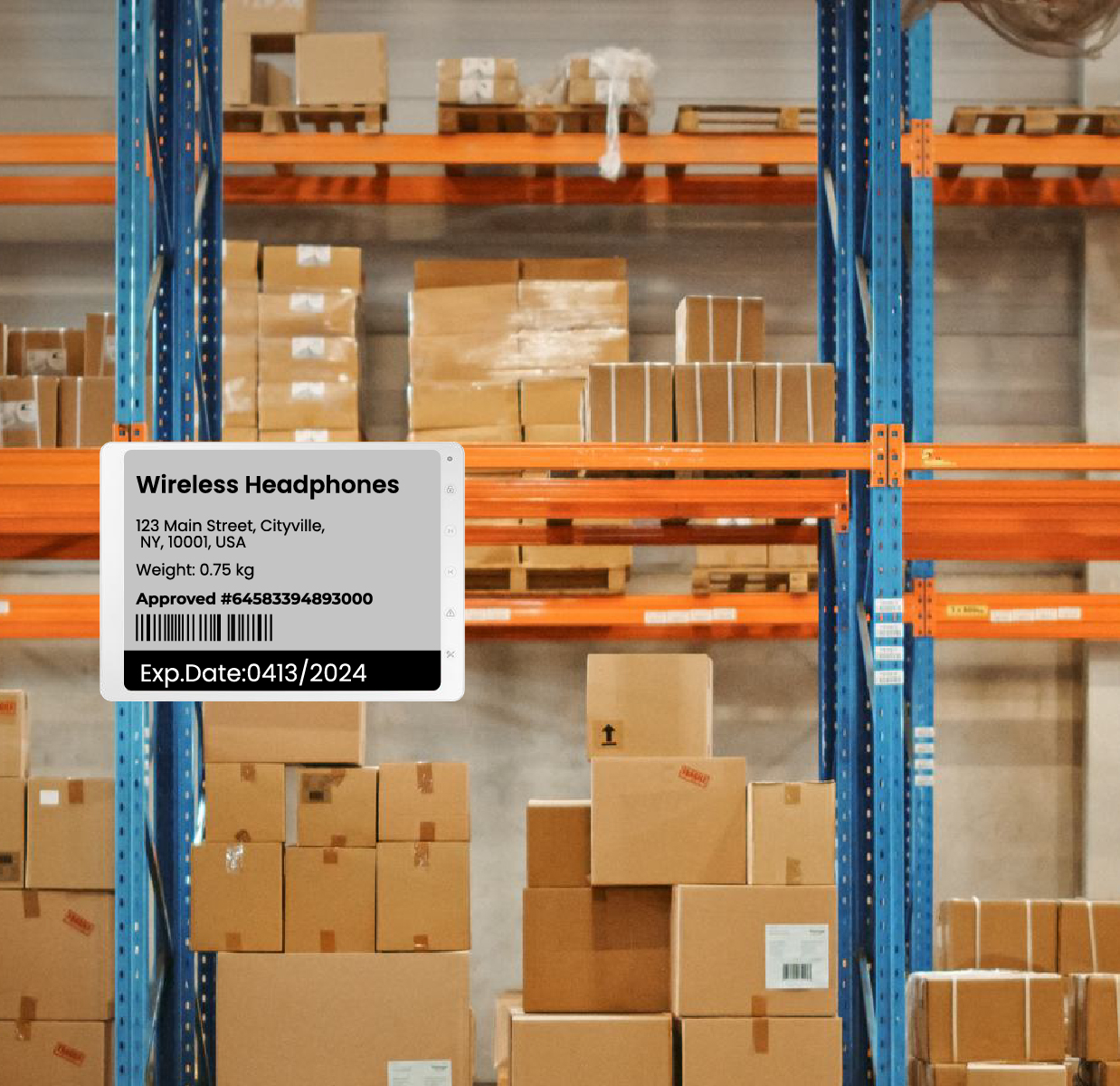
Warehouse & Logistics
Barcode and bin labels, location tags and pick lists update over the network and hold their content through power cycles, so the floor always shows the latest data without printing.
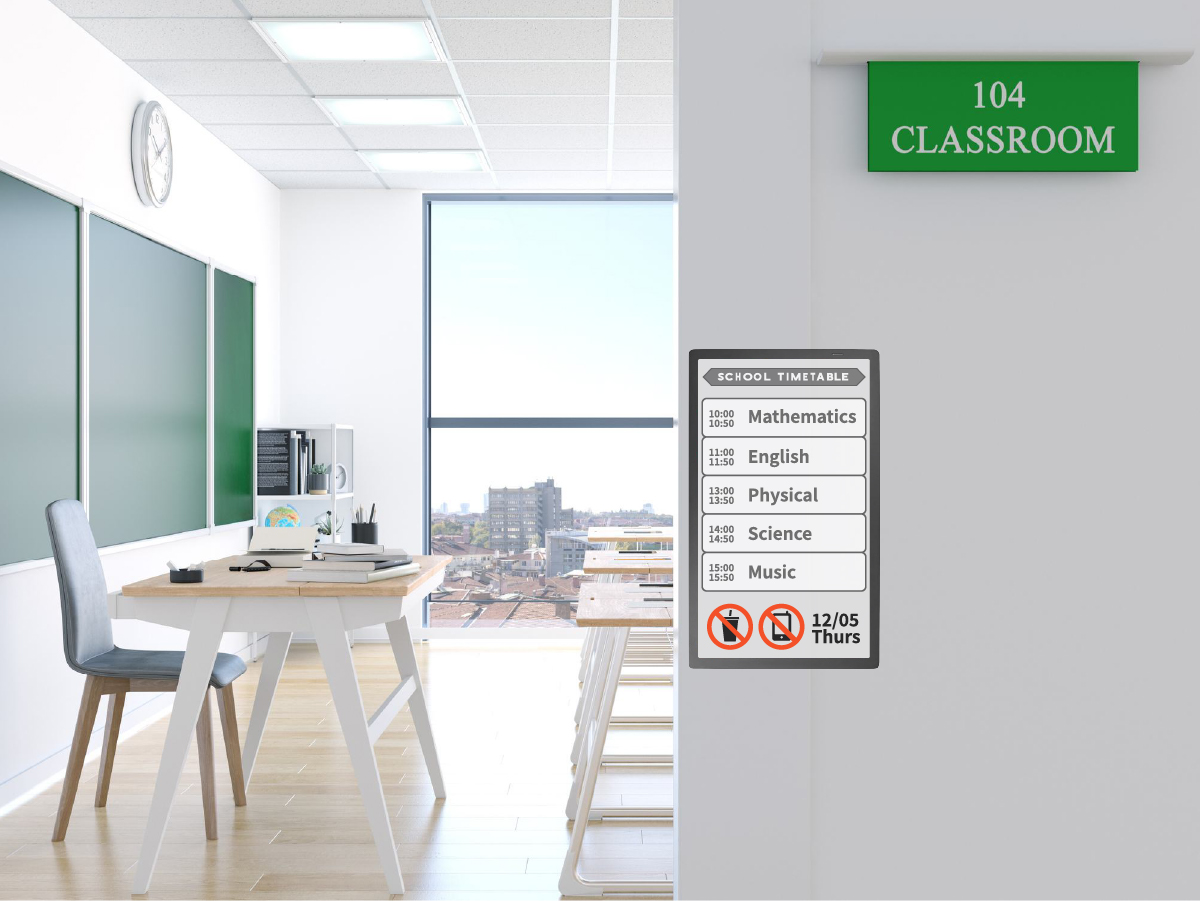
Education & Campus
Room schedules, class boards and library or department notices run across every building on very low power, refreshed centrally without staff walking each sign.
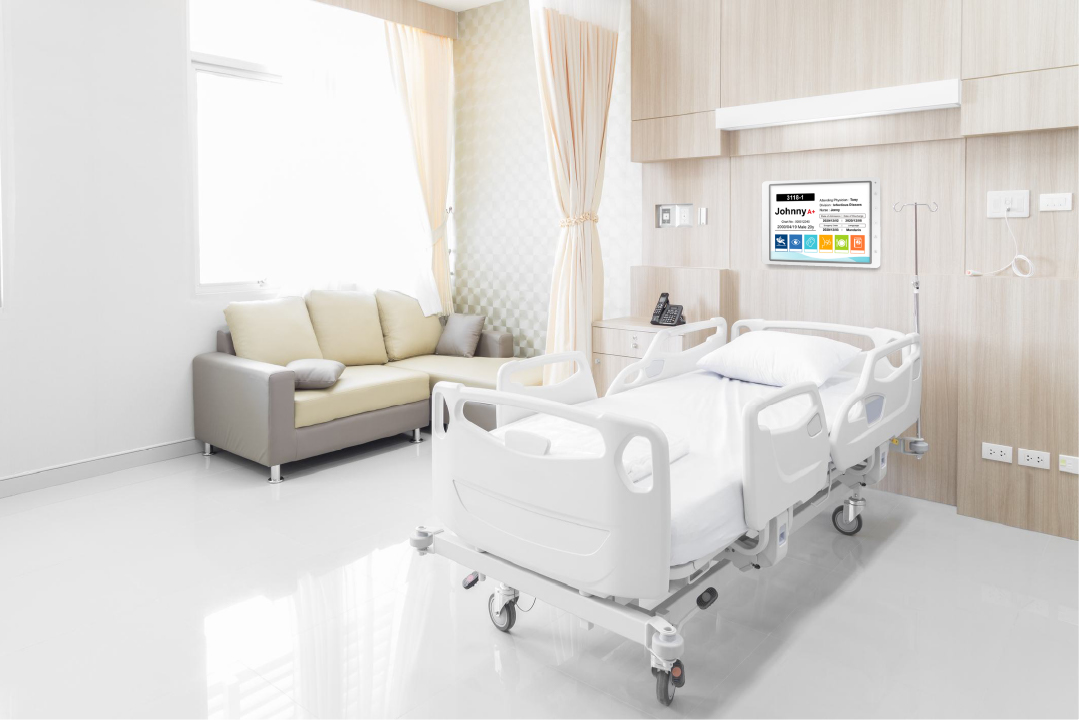
Healthcare
Ward boards, bed cards, clinic queue displays and wayfinding stay accurate and glare-free, updated from the hospital system rather than reprinted by hand.
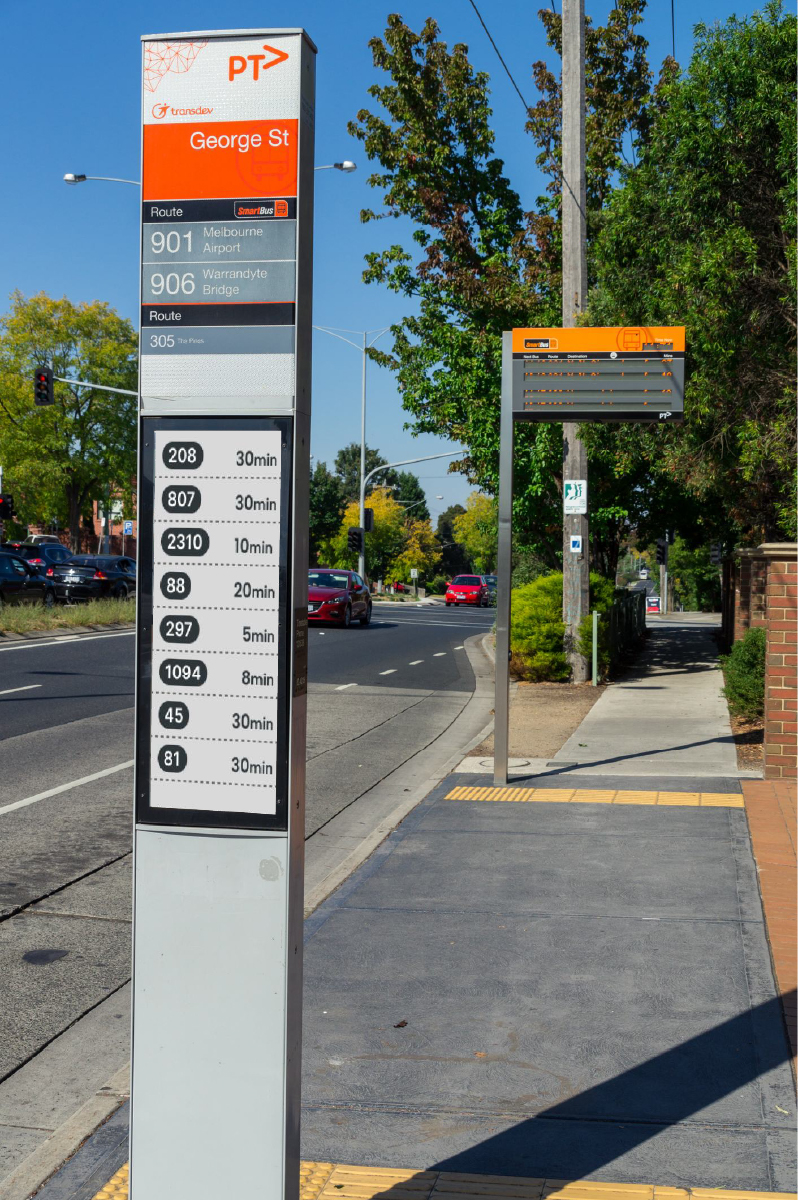
Transportation
Timetables, platform and gate information and route maps stay readable in daylight and keep their image during outages, ideal for stations and stops with limited power.
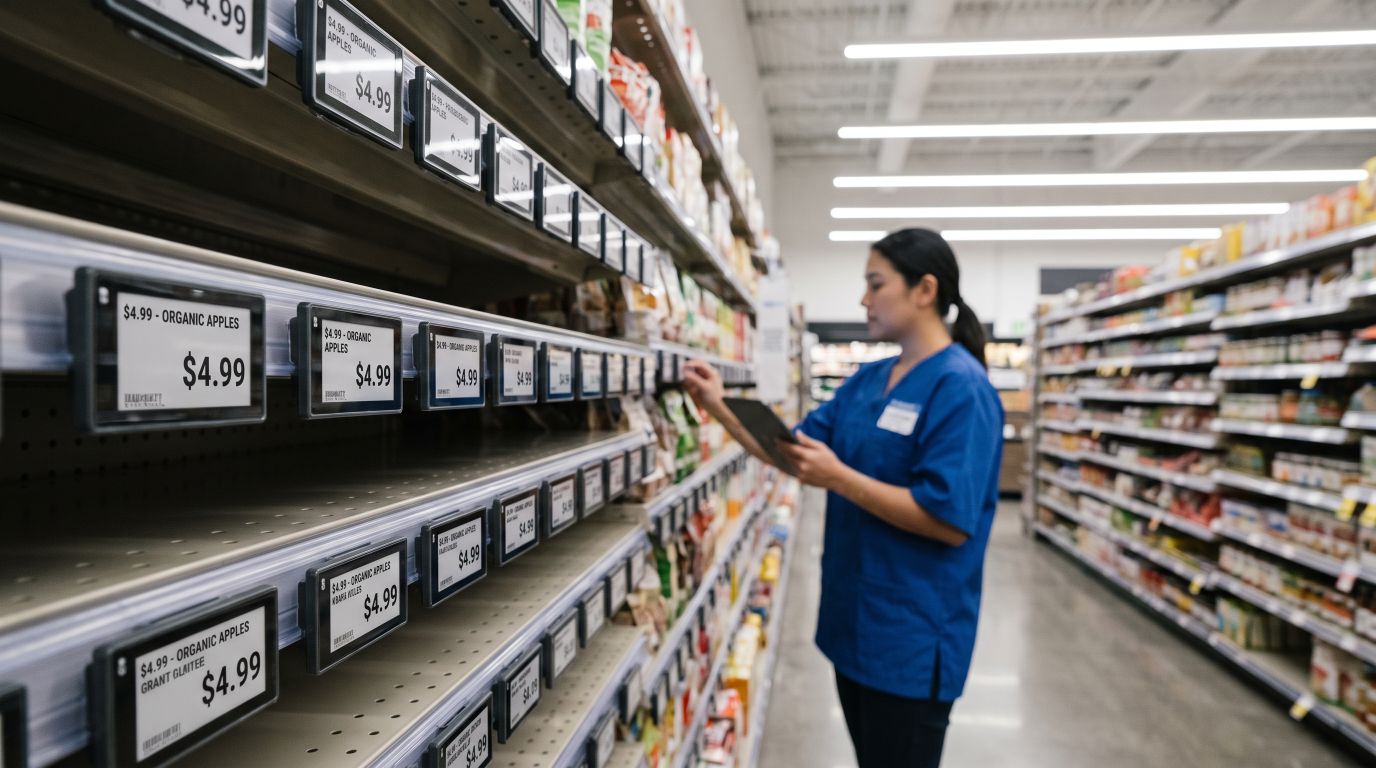
Retail & Supermarket
Electronic shelf labels, promotion cards and aisle signs update from the pricing system in seconds, keeping every price accurate across the store without printing or manual swaps.
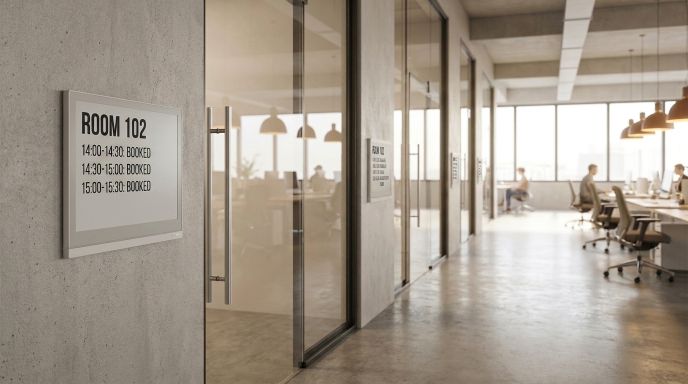
Corporate & Meeting Rooms
Room booking panels, desk signs and lobby directories sync with Microsoft 365 calendars and hold their content on almost no power, giving offices a clean, paper-free look.
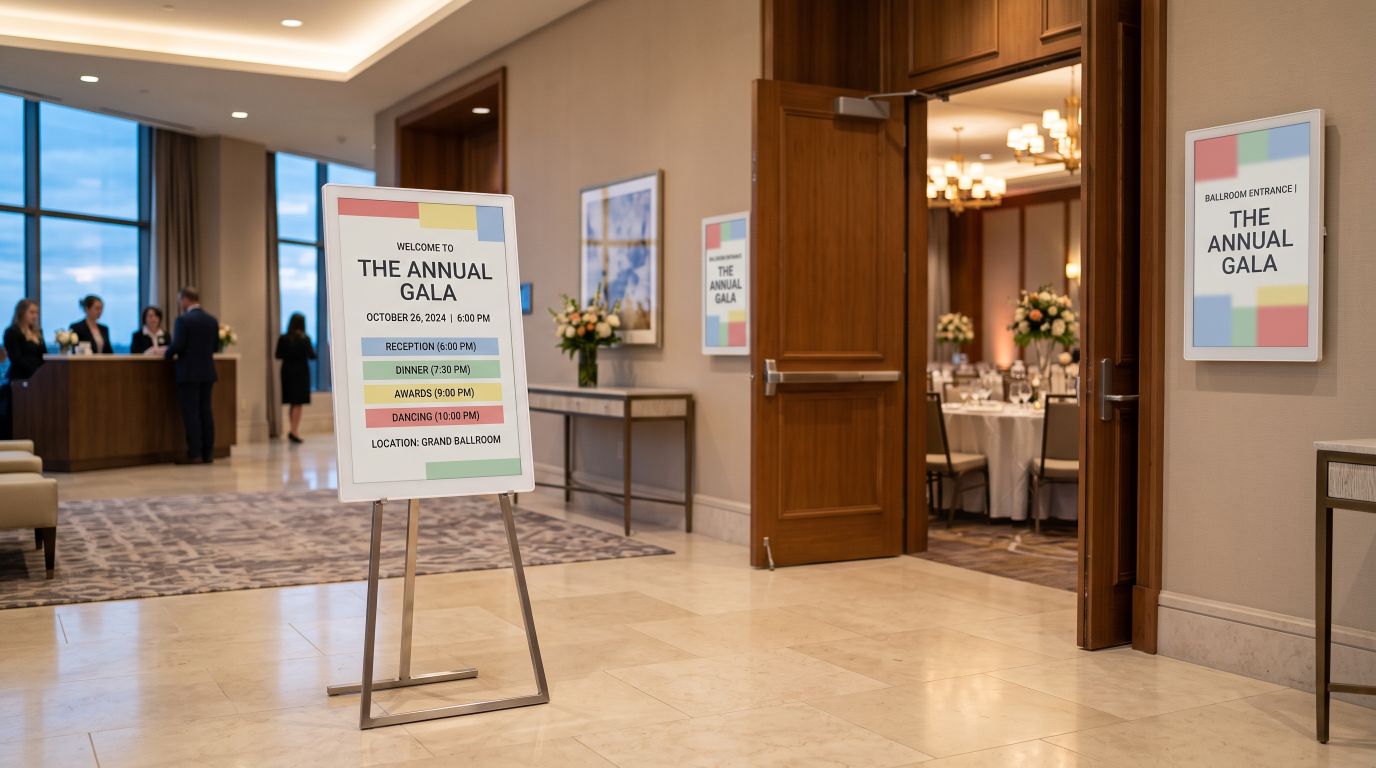
Hospitality & Events
Hotel event boards, banquet and conference signs, restaurant menus and exhibition guides update from the cloud before each event, stay easy to read in any light and cut printing for every occasion.
How CAYIN ePaper Software Works
Two dedicated apps cover each display from the first minute out of the box to every update after.
How it works: 1. Pair each ePaper display from a phone or tablet over Wi-Fi or Bluetooth. 2. Design templates on a PC in the cloud content manager, which also manages devices and schedules and integrates with Microsoft 365, and can be deployed on a public cloud, private cloud or on-premises NAS. 3. Push updates through gateways and Wi-Fi to every display. For on-site quick uploads, a PC or phone can send an image directly over USB or Bluetooth without Wi-Fi.
Two ways to update
On-site quick upload
No Wi-Fi needed- Push an image straight to the display from a PC or phone over USB or Bluetooth.
- Works without a Wi-Fi network, ideal for temporary and standalone displays.
- Best for updating a few images quickly.
Cloud central management
Multi-device sync- Sync content across many displays and upload images in batches.
- Schedule updates remotely instead of adjusting each display on site.
- Integrates with Microsoft 365 so meeting room signs follow room bookings.
Delivered for IEI Integration Corp. as ideaPairingX and ideaRoomX.
Customer Story

A Software Leap for IEI: CAYIN Powers ePaper Pairing and Management
CAYIN developed ideaPairingX and ideaRoomX for IEI, so its ePaper displays can be set up from a phone or tablet and managed from one place, with meeting and room information updated dynamically.
Read the full case study ›
National Taipei University sets new standards with ePaper class timetables
The campus replaced printed weekly schedules with networked ePaper boards that update centrally and hold their content without power, cutting paper use across every department.
Read the full case study ›ePaper Advantages for Digital Signage
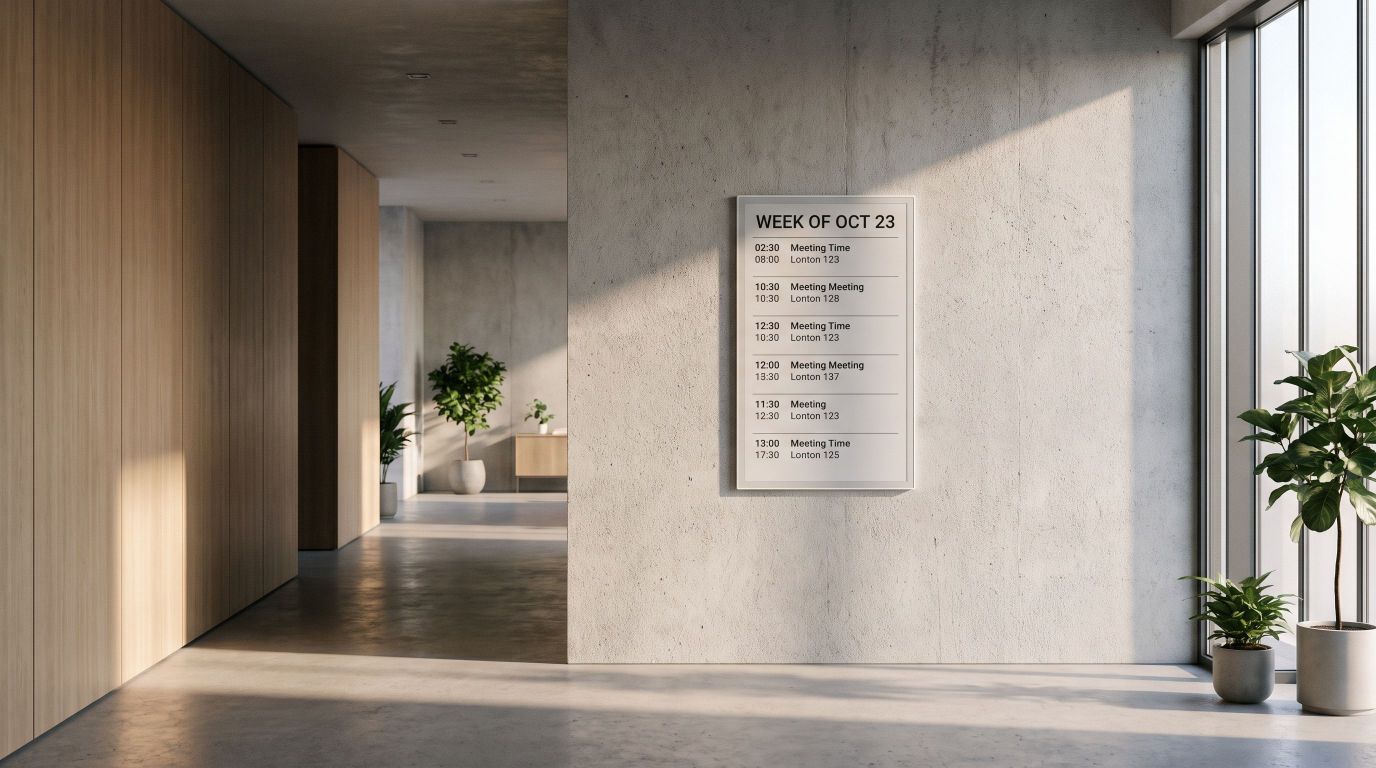
Ultra-low Power Consumption and Continuous Display
Power is drawn only while the image refreshes, then the screen holds its content with almost no energy, cutting running costs for signage that stays on for long periods.
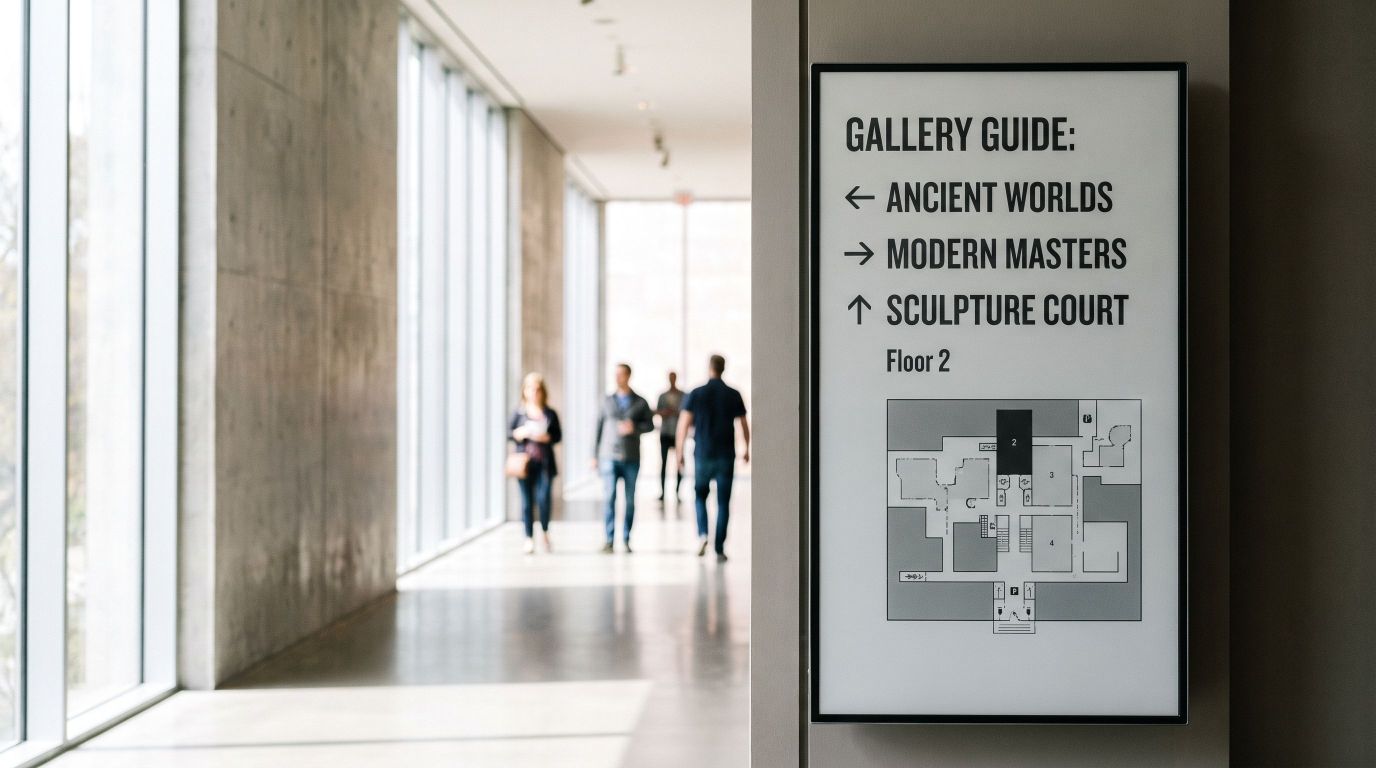
180-Degree Ultra-Wide Viewing Angle
Content stays clearly readable from any angle, so transit signs, mall displays and meeting boards work for everyone in the space.
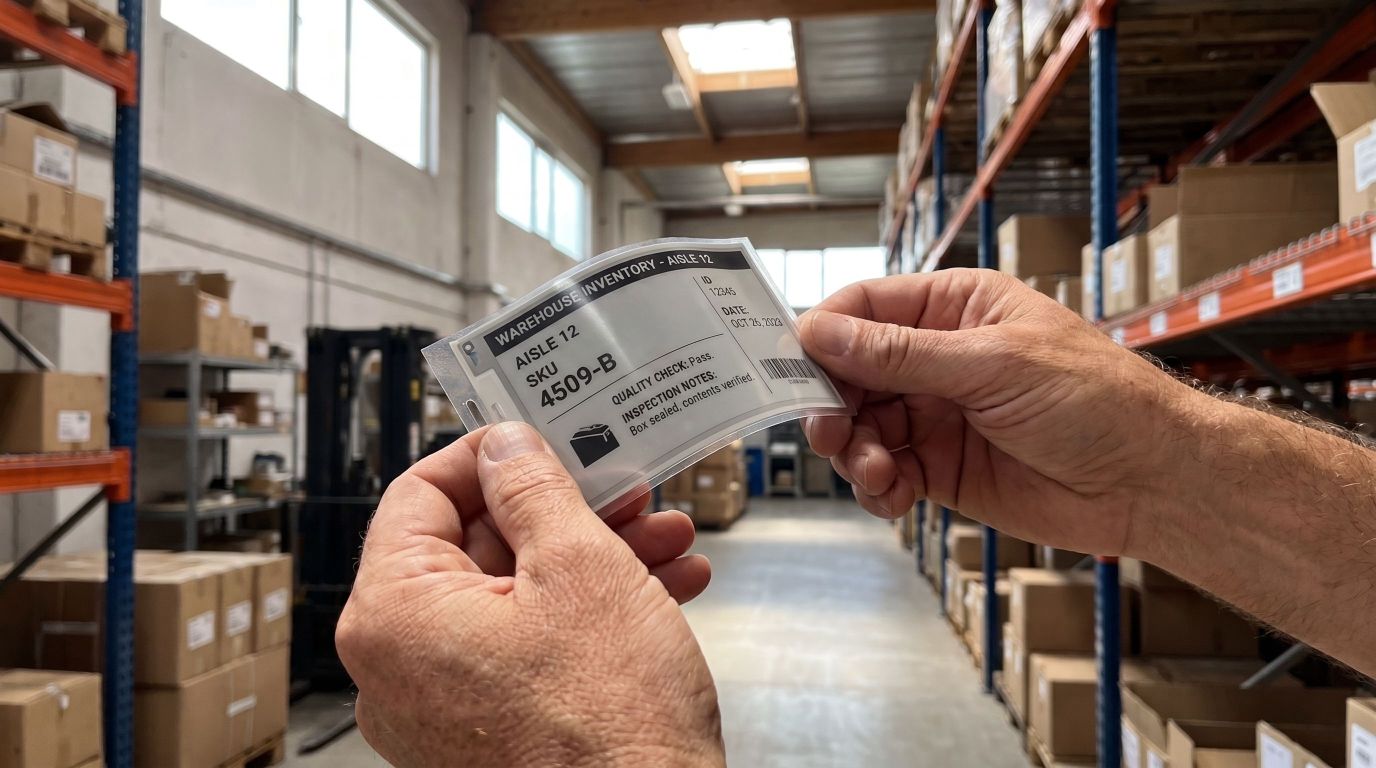
Lightweight and Portable
Thin and light for flexible installation almost anywhere, from warehouse labels to hospital info cards to shelf price tags, and updatable at any time.

Eco-Friendly and Sustainable
Reusable displays replace single-use paper signs, cutting waste, resource use and carbon emissions and supporting ESG goals in retail, meetings and education.
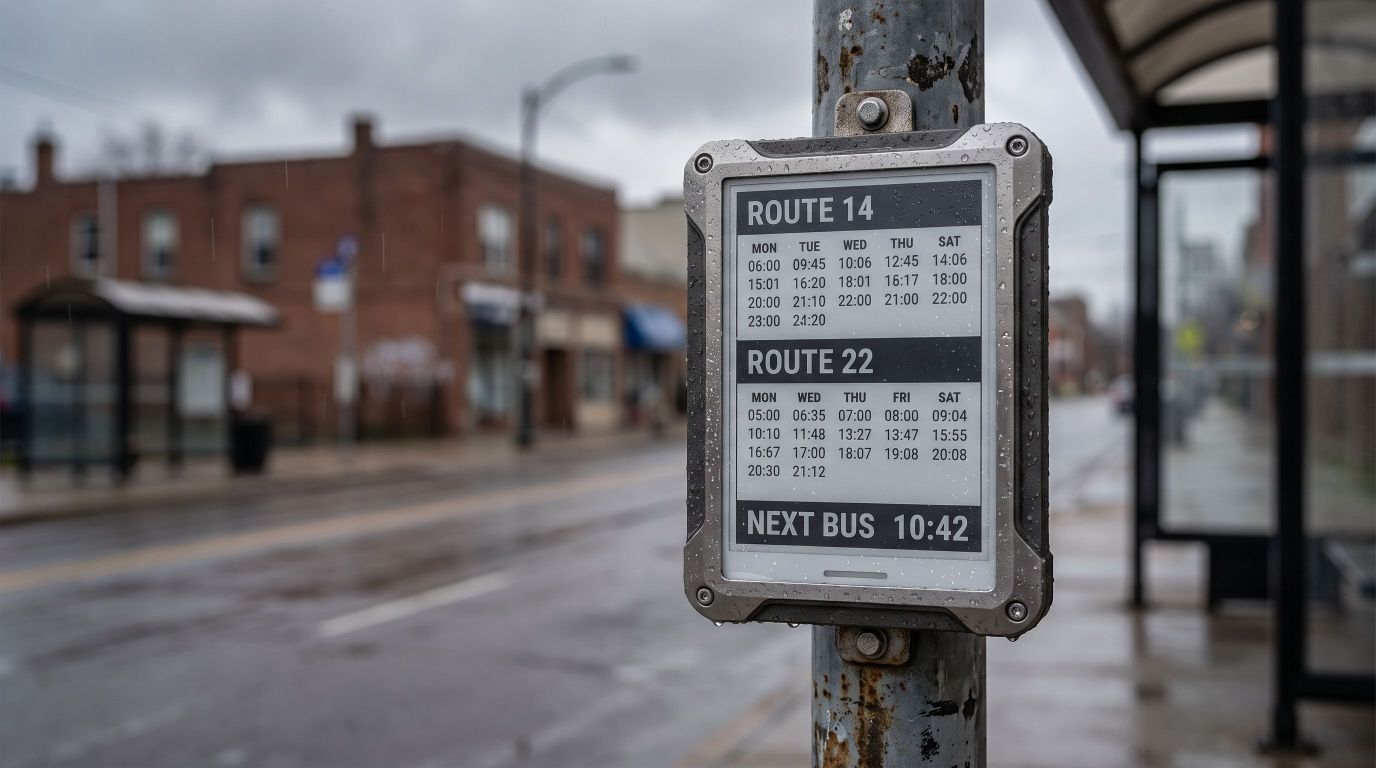
Durability
More rugged than traditional screens and stable over long periods, suited to public transport, logistics and factory labels, and employee ID badges.

Clear Visibility Under Sunlight
The display reflects ambient light instead of emitting it, so the image stays sharp and glare-free in direct sun, ideal for outdoor signage and traffic signs.
ODM Integration
CAYIN ePaper Sustainable Signage Solution is ODM software. We build it around your ePaper hardware and use case, so your product ships with a complete software experience.
- Mobile pairing appOnboard displays to Wi-Fi and gateways from a phone or tablet.
- Central content managementManage every device and content template in one place.
- Real-time pushKeep schedules, room status and other updates in sync across all displays.
- Tailored to your hardwareThe CAYIN team plans the integration with you, from device to deployment.
Contact the CAYIN sales team to discuss your product.
Frequently Asked Questions
What is CAYIN's ePaper Sustainable Signage Solution?
It is an ODM software platform that lets device makers run CAYIN ePaper display systems on their own hardware, for retail, healthcare, transport, education and more.
How much power does an ePaper display use?
Power is drawn only when the image changes. Between updates the screen holds its content with almost no energy, so running costs stay very low.
Can ePaper displays be read outdoors and in direct sunlight?
Yes. ePaper reflects ambient light instead of emitting it, so the image stays sharp and glare-free in bright sun, unlike backlit LCD screens.
How does ePaper support ESG and sustainability goals?
Each display is reused many times instead of printing new paper signs, cutting waste, resource use and carbon emissions across the deployment.
Where is ePaper signage typically used?
Common uses include electronic shelf labels, transit timetables, meeting room signs, hospital bed cards, campus notices, factory and logistics labels, and outdoor wayfinding.
Which ePaper hardware does the solution support?
As ODM software, it is built around each partner's hardware rather than a fixed device list. Displays connect over Wi-Fi and gateways and are paired from a phone or tablet. Share your panel size, color type and connectivity with CAYIN to plan the integration.
Does it support color ePaper?
Yes. The software CAYIN built for IEI manages IEI's six-color ePaper displays, which use E Ink Spectra 6 (black, white, red, yellow, green and blue). Color panels refresh more slowly than monochrome ones, so they suit content that changes a few times a day, such as menus, room signs and posters.
How do I get CAYIN ePaper on my own devices?
Contact the CAYIN sales team. As an ODM product the solution is tailored to your hardware and use case, and the CAYIN team helps plan the integration.