
poster Start Designing in Seconds

poster
CAYIN poster App offers ready-made poster templates with customizable images, text, and effects integrated with CMS resource schedule optimization.
Get the poster App for free from CMS-WS and CMS-SE servers to start broadcasting on digital signage. Register or subscribe to GO CAYIN for free to use the poster App.



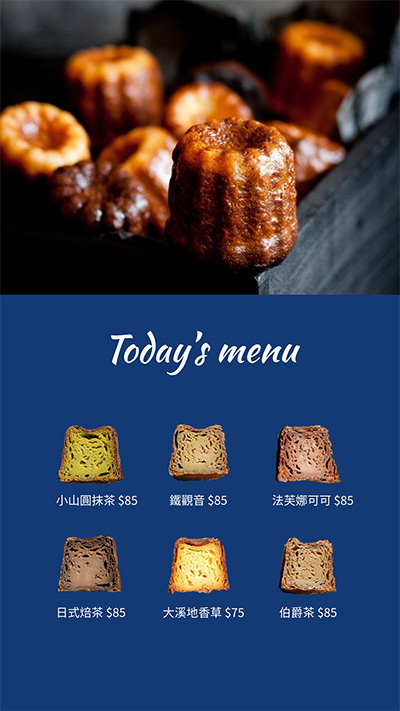


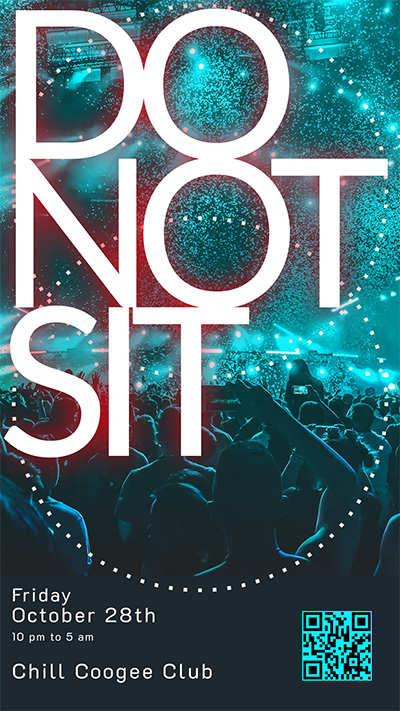
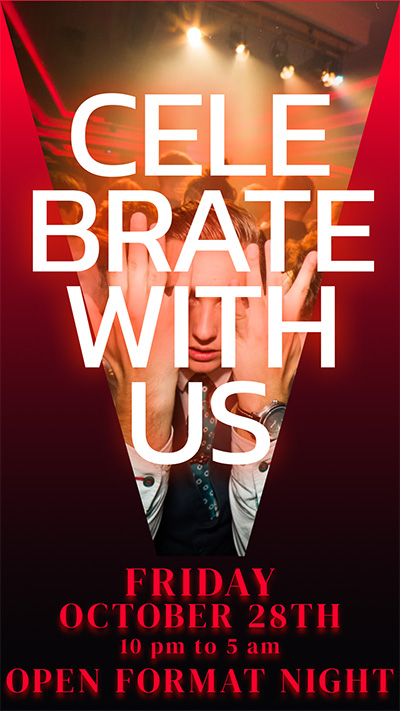
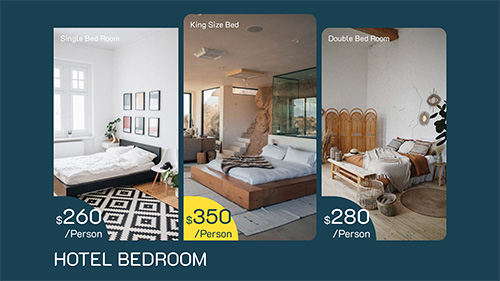
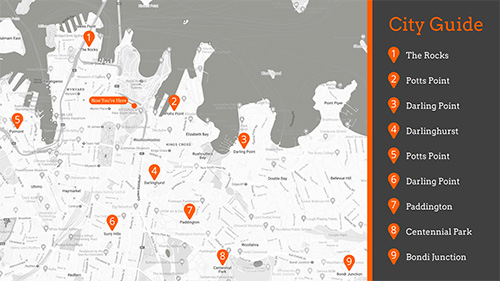
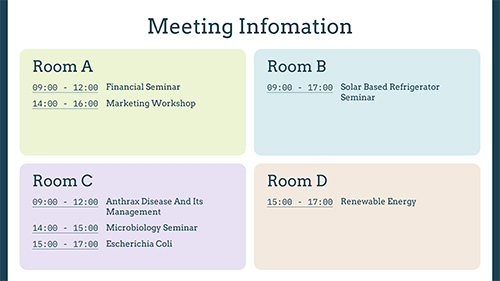
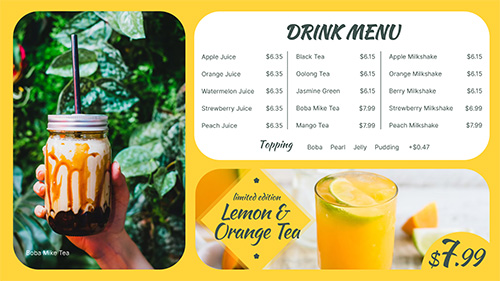
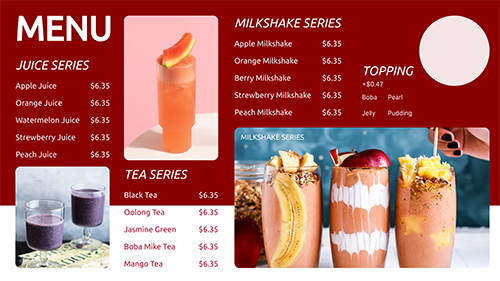
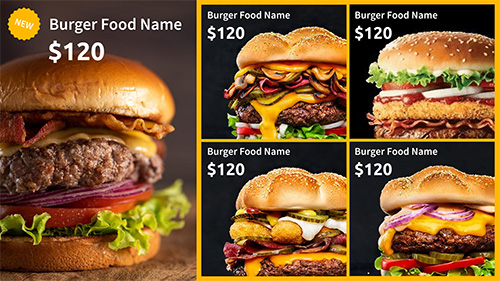
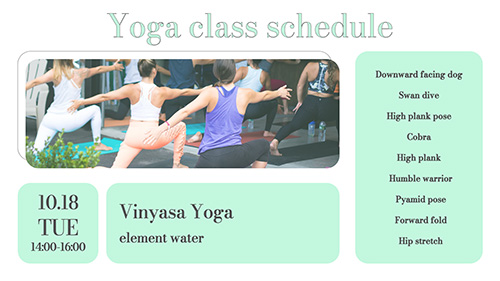
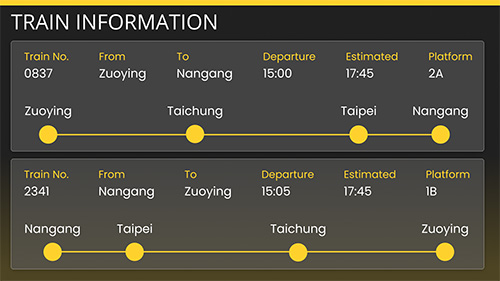
Ready-Made
poster Templates
Start designing like a pro within seconds!
With various template styles,
images, shapes, graphics, fonts and effects to choose from, you will always find the
creative outlet for you.
Take Advantage of
Built-in Images
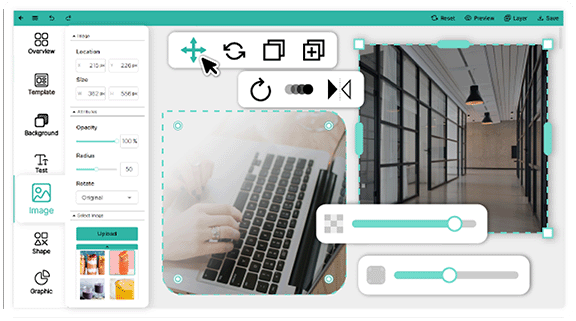
Breathe life into your content displays with built-in or uploaded images. And adjust image at a click.

- Transparency
- Reflection
- Rotate
- Border-radius
- Duplicate
- Animation Effects
Adjustable Sizes and Views
Select from a variety of sizes and views, including mobile, square, portrait, and landscape, that best suit your content display needs.
Download for FreeImport Templates from the Cloud
Forget building from scratch! Import your own design templates from the Cloud and instantly apply them to company presentations to stay aligned with your brand.
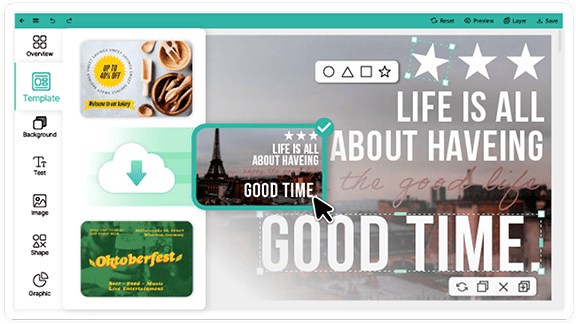
Customize Your Text
Elevate your poster design any way you want with adjustable text settings.

- Colors
- Sizing
- Font Style
- Text Orientation
- Letter Spacing
- Line Height
- Transparency
- Alignment
- Animation Effects
System Requirements
Before you install the poster App, we recommend you verify that
your
hardware
meets or exceeds the minimum system requirements for the product.
Operating System
Ubuntu 64 bits 22.04 LTS
CPU
Intel® 8th Core i3 processer or better
Memory
4 GB RAM
GPU
Intel chip (support Intel® Quick Sync Video)
Hard Disk(HDD or SSD)
120 GB of available disk space
Installation media
Either a USB flash drive or DVD
Network
Highspeed Internet access is essential
* Ubuntu is a Linux operating system and all of the
application software installed by default is free software.
For more information
please contact our sales team.
Frequently asked questions
What is the CAYIN poster App?
The poster App offers ready-made poster templates with customizable images, text and effects, so you can design digital posters and play them on your digital signage screens.
How do I get the poster App?
You can get the poster App for free from CMS-WS and CMS-SE servers, or register or subscribe to GO CAYIN for free to use it.
Which poster sizes are supported?
You can choose from several sizes and views, including mobile, square, portrait and landscape.
Can I use my own templates and images?
Yes. You can import your own design templates from the cloud and use built-in or uploaded images.
What are the system requirements?
The server needs Ubuntu 64-bit 22.04 LTS, an 8th generation Intel Core i3 processor or better, 4 GB of RAM and 120 GB of available disk space.