Cut Digital Signage Electricity Costs with CAYIN's New Player On/Off Setting
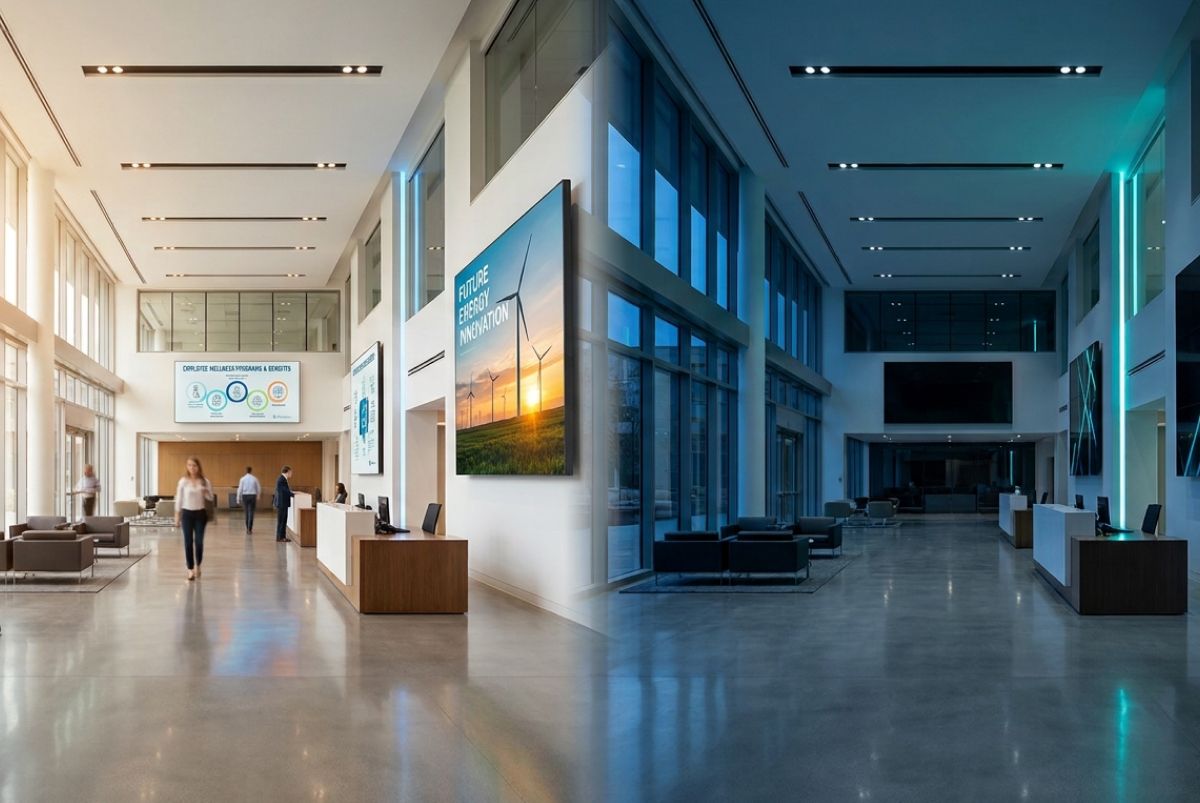
SMP SP4, CMS-SE SP11 and CMS-WS SP8 let customers run screens only when audiences can see them.
Key Takeaways
- CAYIN Technology released SMP Service Pack 4, CMS-SE Service Pack 11 and CMS-WS Service Pack 8, and all three include a player on/off setting.
- Switching players off when no one is watching cuts running hours, which lowers electricity use and cost.
- Lower energy use gives ESG teams a concrete action they can apply to every screen.
Why Digital Signage Electricity Costs Deserve a Second Look
Digital signage is built to be seen. It welcomes shoppers, guides visitors and keeps staff informed. Yet a screen creates value only while someone is looking at it. After the last customer leaves, after the office empties, after the shop shutters, many screens keep running. Nobody notices, because a lit screen in an empty room looks harmless. The electricity meter notices.
As electricity costs rise, screens that run all night stop being a rounding error and become a line item worth discussing. The effect grows with scale. One display is a small cost. A retail chain, a campus, a hospital or a transport hub runs dozens or hundreds of them, and every extra hour is multiplied across the whole network.
Key definition: A player on/off setting is a digital signage control that switches media players on and off, so signage runs only when it is needed and uses less electricity the rest of the time.
A simple example shows why running hours matter. A display that draws 100 watts uses 2.4 kilowatt hours over 24 hours. If it is switched off for 12 of those hours, it uses 1.2 kilowatt hours, half as much. The wattage here is only an illustration, so swap in the figures for your own equipment.
What CAYIN Released
On October 12, 2026, CAYIN Technology released SMP Service Pack 4, CMS-SE Service Pack 11 and CMS-WS Service Pack 8. SMP is the player. CMS-SE and CMS-WS are the content management servers. All three updates include a setting to turn players on and off, so customers can lower electricity costs and support their ESG goals.
| Product | Role | Version with the setting |
|---|---|---|
| SMP | Media player | Service Pack 4 |
| CMS-SE | Content management server | Service Pack 11 |
| CMS-WS | Content management server | Service Pack 8 |
Get Started in Four Steps
- Check which SMP, CMS-SE or CMS-WS version your network runs today.
- Update to SMP Service Pack 4, CMS-SE Service Pack 11 or CMS-WS Service Pack 8.
- Open the player on/off setting and set the times for each location.
- Compare your electricity bills over the next billing cycles to see the change.
Saving Money and Meeting ESG Goals Turn Out to Be the Same Job
Most organizations treat cost cutting and sustainability as separate projects with separate owners. Finance watches the bill. The sustainability team watches the report. A screen that runs all night appears in both. Cutting its running hours lowers the bill and reduces the energy the signage network consumes, which is the kind of figure ESG reporting tracks. One setting, two outcomes.
The second turn is about scale. Switching screens off by hand works for a handful of displays. It does not work for two hundred. Nobody walks the building every evening, and a saving that depends on someone remembering will fade within weeks. A setting built into the signage platform turns the saving into a routine that runs without anyone remembering it.
It also changes how a signage network is viewed inside an organization. Signage is often seen as a cost to be justified. A setting that visibly reduces energy use makes it a reportable contribution to the organization's environmental goals.
Always On Compared with the Player On/Off Setting
| Comparison | Always on | Player on/off setting |
|---|---|---|
| Running hours | All day and night | Only when needed |
| Electricity cost | Highest | Lower |
| ESG reporting | Little to report | An energy reduction to report |
| Manual effort | None, but nothing is saved | Low once the times are set |
| Best for | Screens that must stay on around the clock | Venues with clear opening hours |
Start Saving on Digital Signage Electricity Costs
Electricity prices are a pressure many organizations feel right now, and screens that run when nobody is watching are one of the easier costs to remove. SMP Service Pack 4, CMS-SE Service Pack 11 and CMS-WS Service Pack 8 give signage teams a direct way to do it, and they give ESG teams a concrete action to report.
Review the opening hours of each location, set the on and off times, and let the setting do the work. Then watch the bill.
Media Contact
CAYIN Technology Co., Ltd.
Fax: +886-2-2595-1050
Email: [email protected]
Address: 3F., No. 57, Sec. 3, Zhongshan N. Rd., Zhongshan Dist., Taipei City 104, Taiwan
Share


